Health & Fitness

Gravlog: Gym Set Log

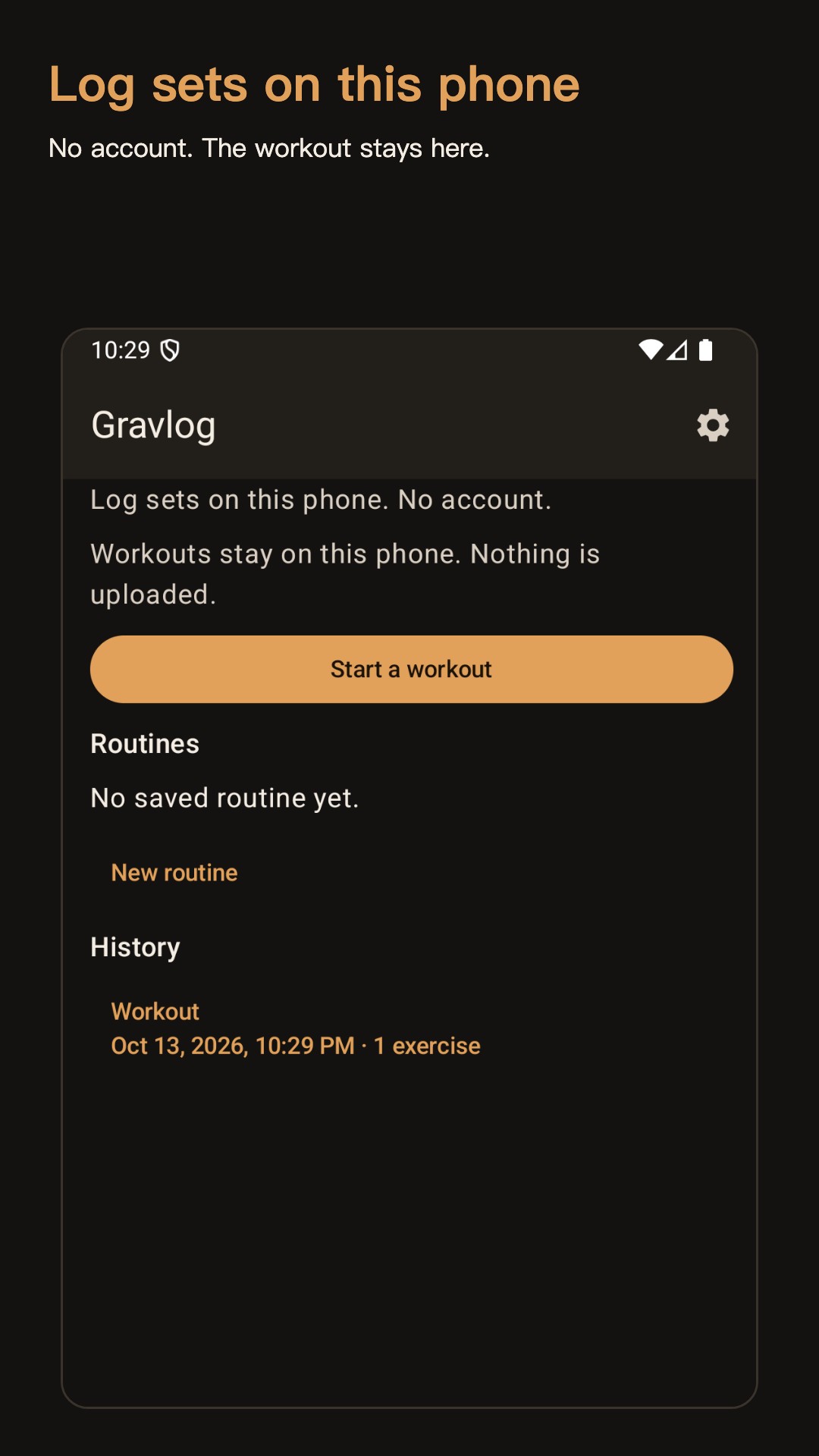
Log sets and reps on this phone. No account.

Gravlog: Gym Set Log

What it does

Start a workout

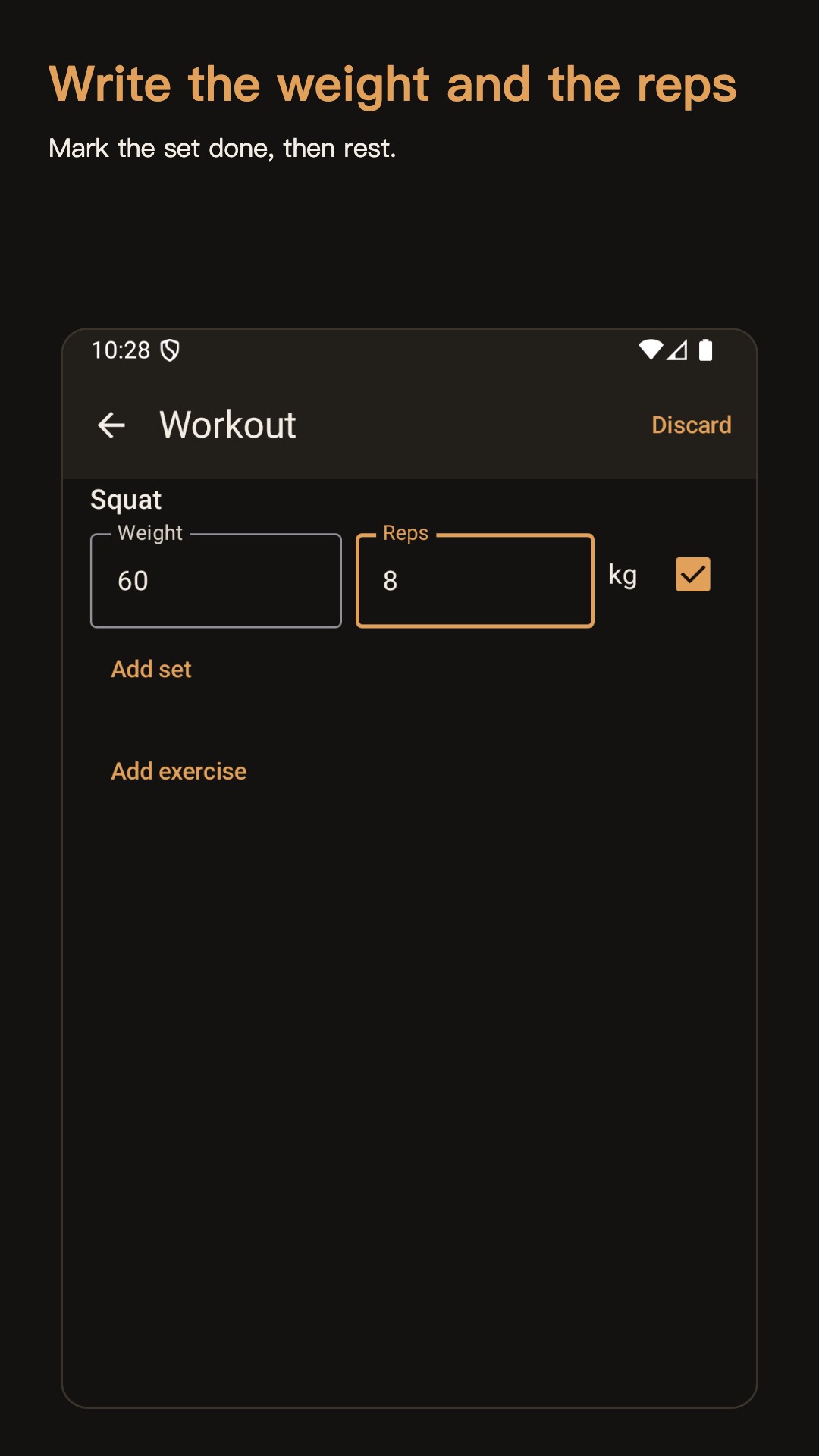
Open a session and add a built-in movement, or type your own name. Each exercise can hold up to 30 sets. A session can hold up to 20 exercises. Enter weight from 0 to 9999, with up to two decimal places, and reps from 0 to 999. Mark a set done when you finish it.

Rest timer

After a completed set, a rest countdown runs inside the app. The default is 90 seconds. You can change it in steps of 15 seconds, from 15 to 300. Skip ends the countdown. The timer does not ring after you leave the app or lock the screen.

Last time

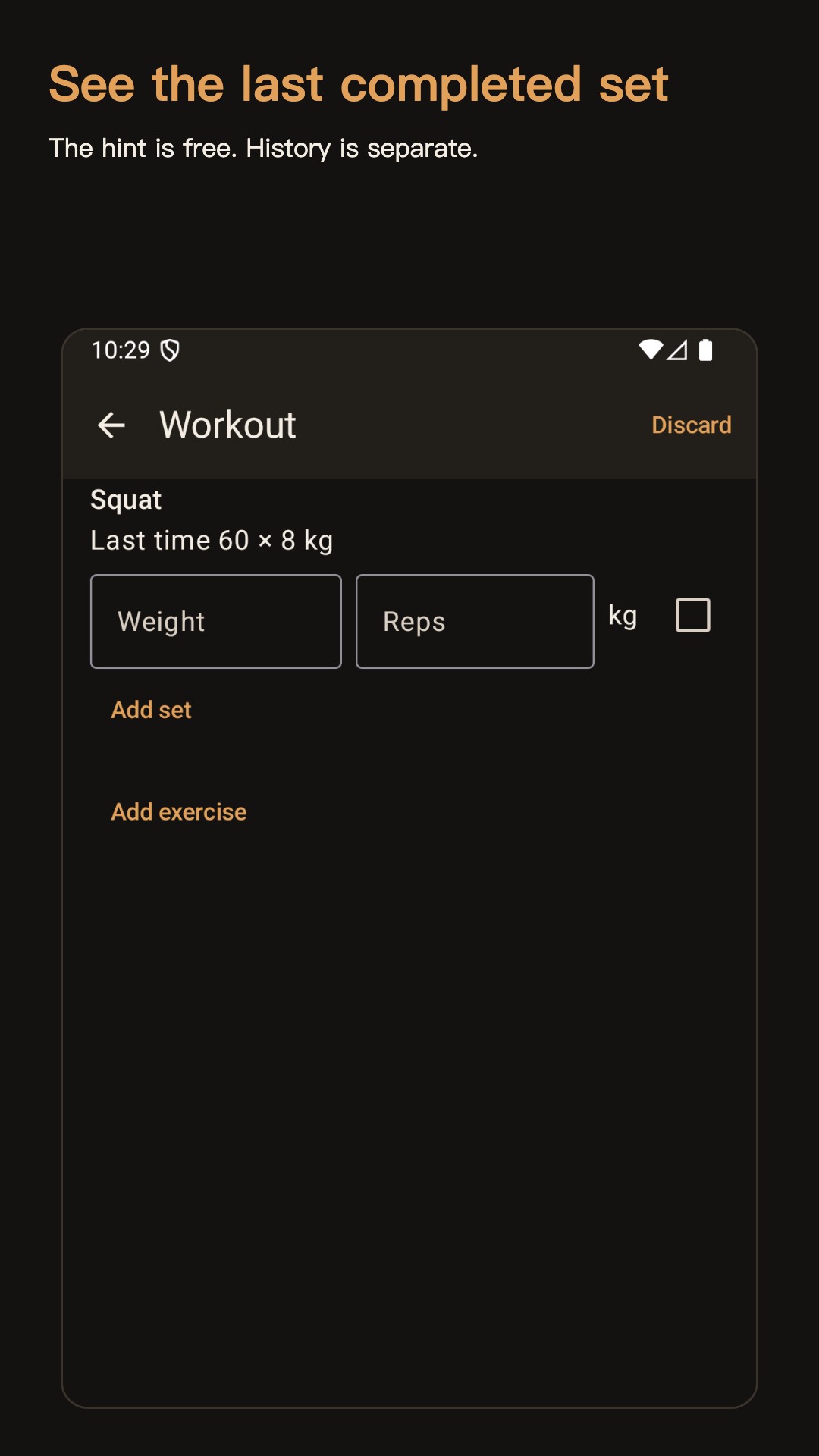
The next time you add an exercise you have already finished, Gravlog shows the last completed set. That hint is free. It does not open the full history.

Routines

Save a list of exercises and start a workout from it. Free use does not cap how many routines you keep. You can also start a one-off workout without a routine.

Finished workouts

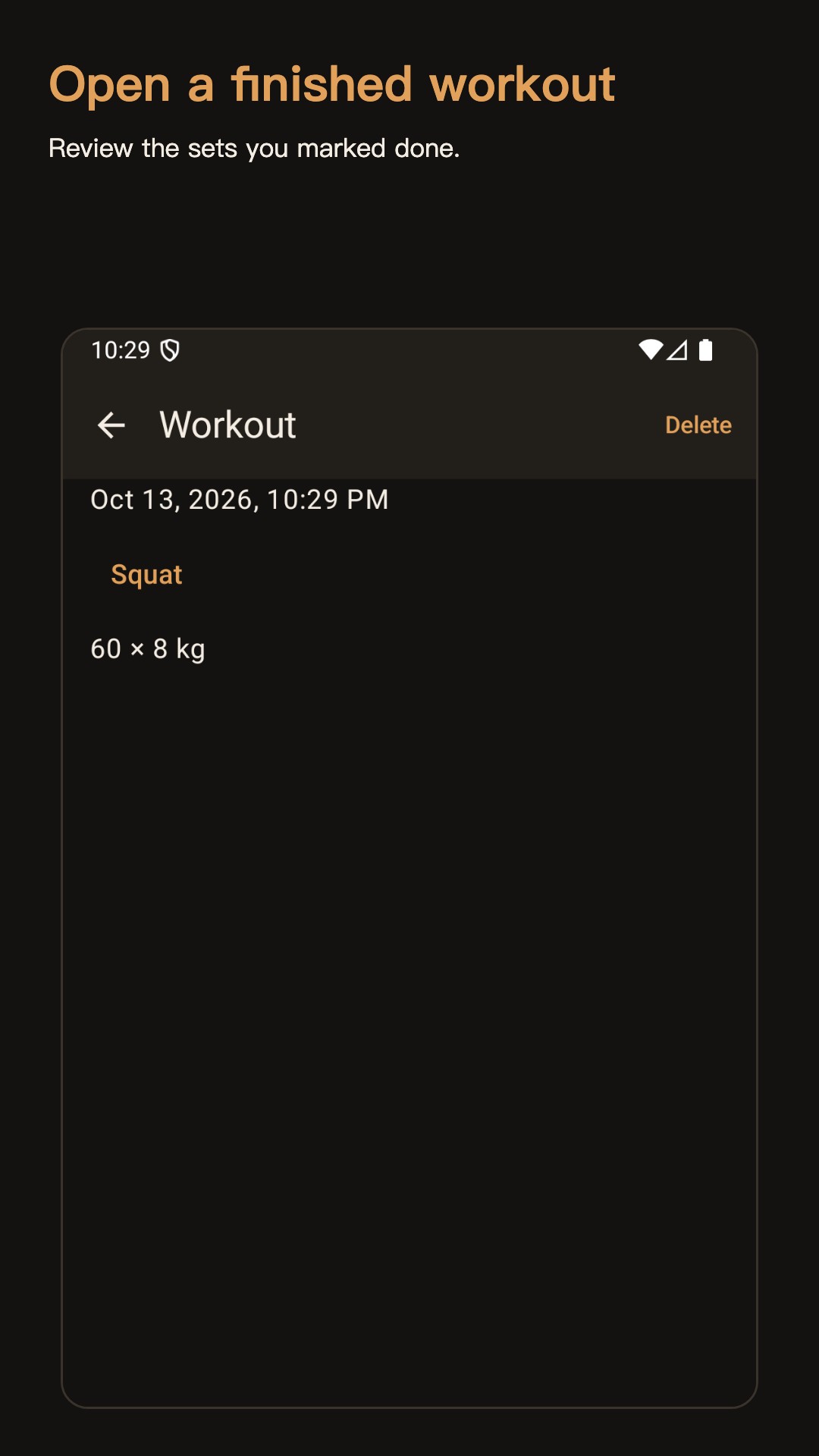
A finished session keeps the sets you marked done. You can open it and delete it. Deleting removes that session from this phone.

One-time unlock

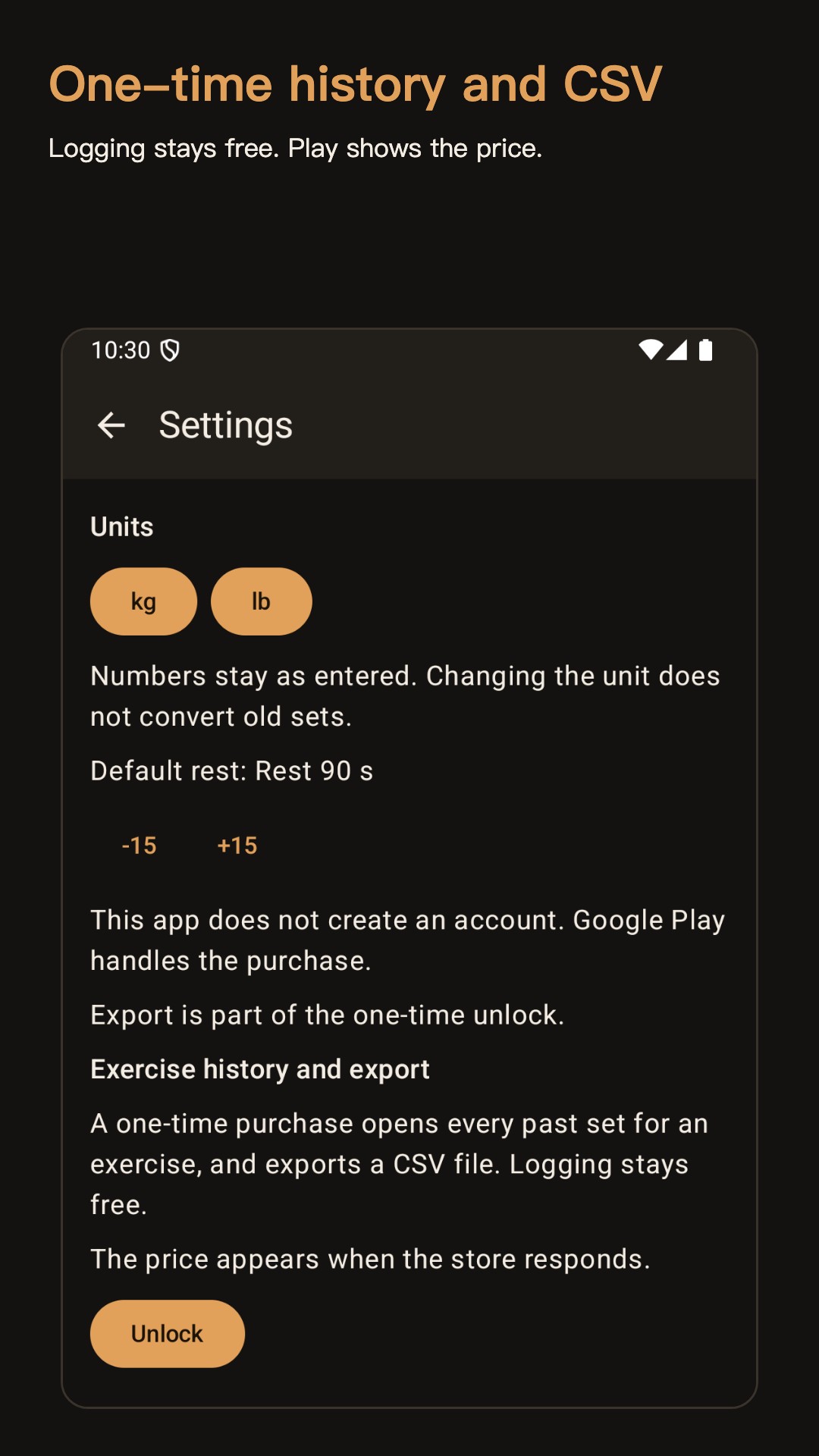
Sets from earlier workouts, listed per exercise, and a CSV export are a one-time Google Play purchase. Play shows the price. Logging, routines, the rest timer, and the last completed set stay available without that purchase. If the product is not offered yet, those free tools still work.

From the running app

Gravlog: Gym Set Log — 1 Gravlog: Gym Set Log — 2 Gravlog: Gym Set Log — 3 Gravlog: Gym Set Log — 4 Gravlog: Gym Set Log — 5

When people use it

  • Save a list of exercises and start a workout from it. Free use does not cap how many routines you keep. You can also start a one-off workout without a routine.
  • A finished session keeps the sets you marked done. You can open it and delete it. Deleting removes that session from this phone.
  • Each set stores kilograms or pounds as entered. Switching the default unit does not convert numbers you already saved.
  • There is no video library, social feed, training plan, calorie estimate, or one-rep-max calculator. The app does not give training advice.

How a session works

Gravlog is a gym set log for one Android phone. You write down the exercise, the weight, and the reps. The log stays on the phone. There is no account.

Start a workout Open a session and add a built-in movement, or type your own name. Each exercise can hold up to 30 sets. A session can hold up to 20 exercises. Enter weight from 0 to 9999, with up to two decimal places, and reps from 0 to 999. Mark a set done when you finish it.

Rest timer After a completed set, a rest countdown runs inside the app. The default is 90 seconds. You can change it in steps of 15 seconds, from 15 to 300. Skip ends the countdown. The timer does not ring after you leave the app or lock the screen.

Last time The next time you add an exercise you have already finished, Gravlog shows the last completed set. That hint is free. It does not open the full history.
Questions

Does Gravlog give training advice?

No. Gravlog is a gym set log. It records exercise, weight, and reps. It does not include a video library, a training plan, calorie estimates, or a one-rep-max calculator.

Where are workouts stored?

In the app's private storage on this phone. There is no account. Uninstalling the app removes the log.

What stays free?

Logging sets, routines, the rest timer, and the last completed set stay available without a purchase. There are no ads and no subscription.

What does the one-time unlock add?

A one-time Google Play purchase unlocks sets from earlier workouts listed per exercise, and CSV export. Play shows the price.

Does the rest timer run with the screen off?

No. After a completed set, a rest countdown runs inside the app. Skip ends it. The timer does not ring after you leave the app or lock the screen.

Apps you can open today