How a session works
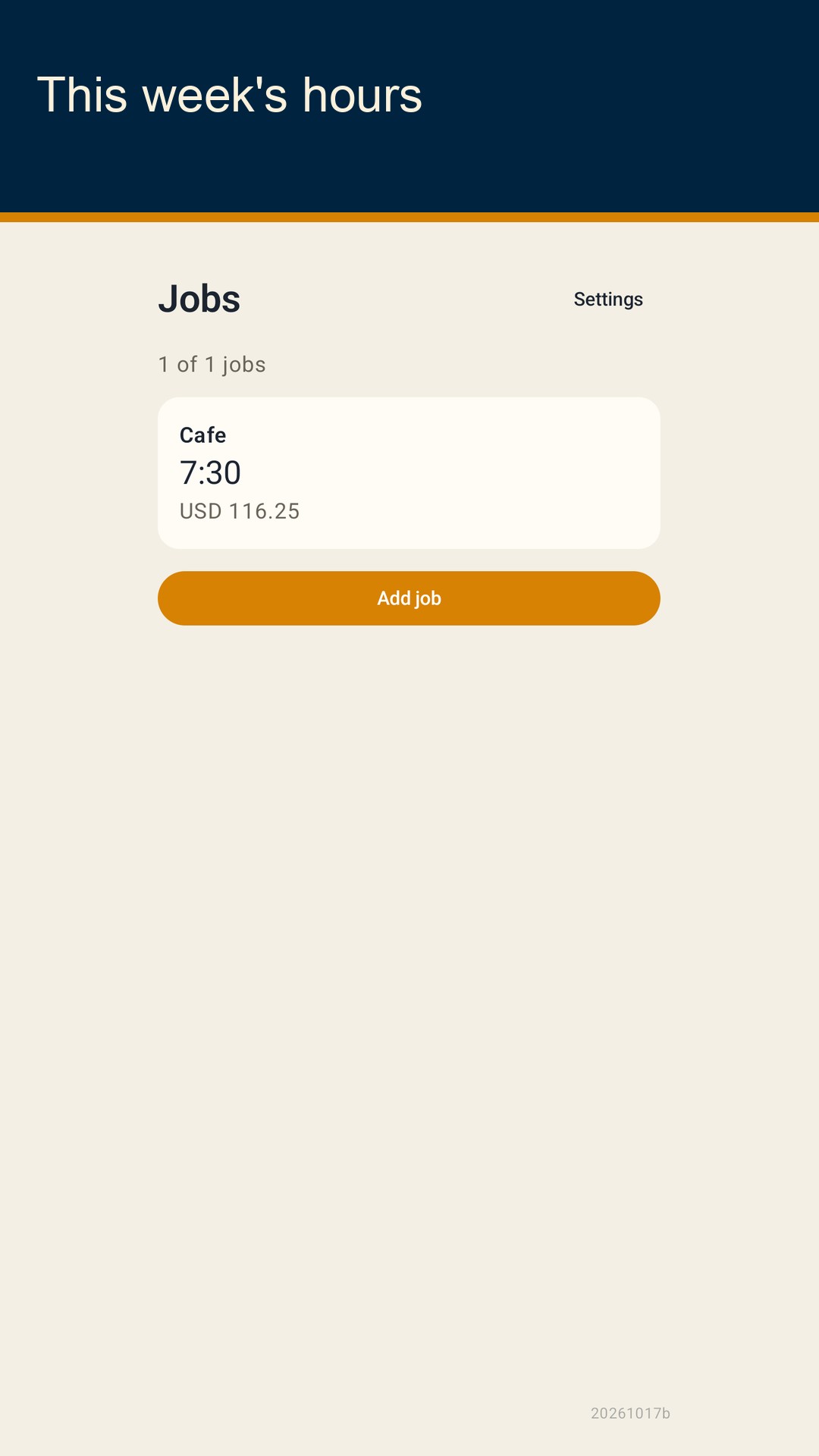
Shiftfold keeps work hours on this phone. Add a job, type an hourly rate and a three-letter currency code, then clock in or write the shift later. The week total is net hours times that rate. It is a personal note, not a paycheck, a tax figure, or an employer time clock.
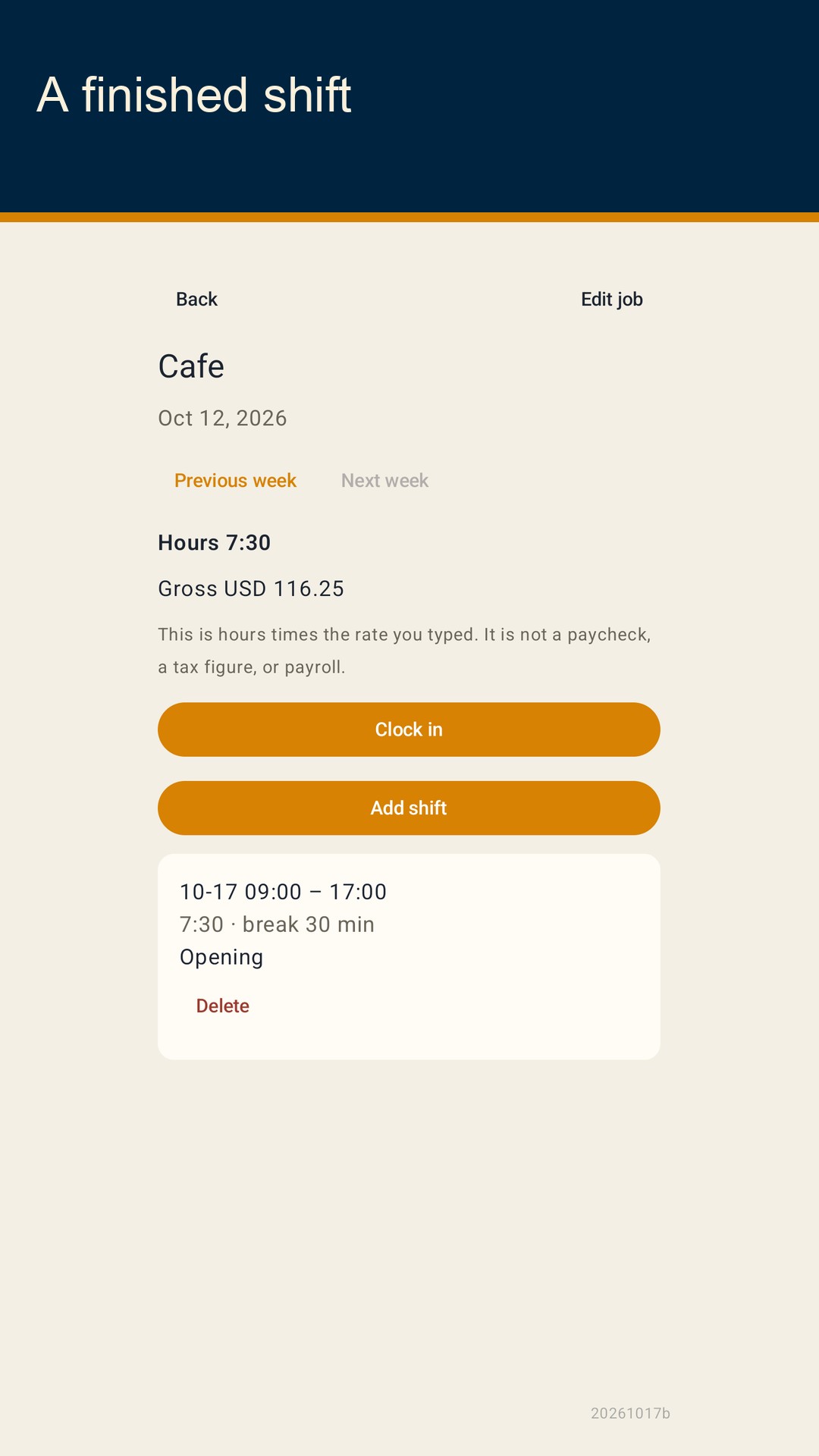
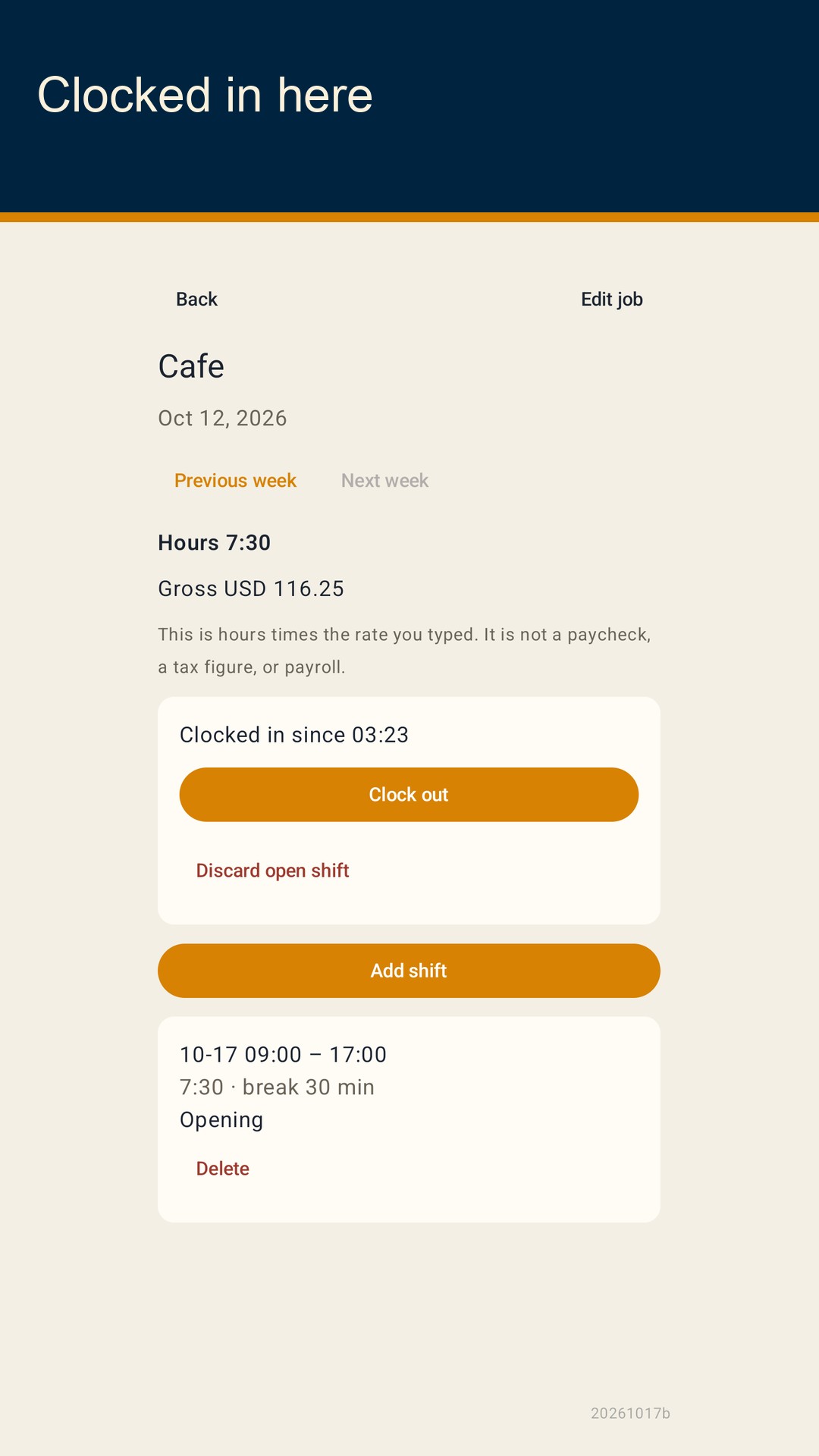
What you can record Each job has a name, one hourly rate, and a currency code such as USD. A shift has a start, an end, break minutes, and an optional note. If the end is not later than the start, the end counts as the next day. After the break, a shift must last from 1 minute to 20 hours. An open shift stays out of the weekly total until you clock out.
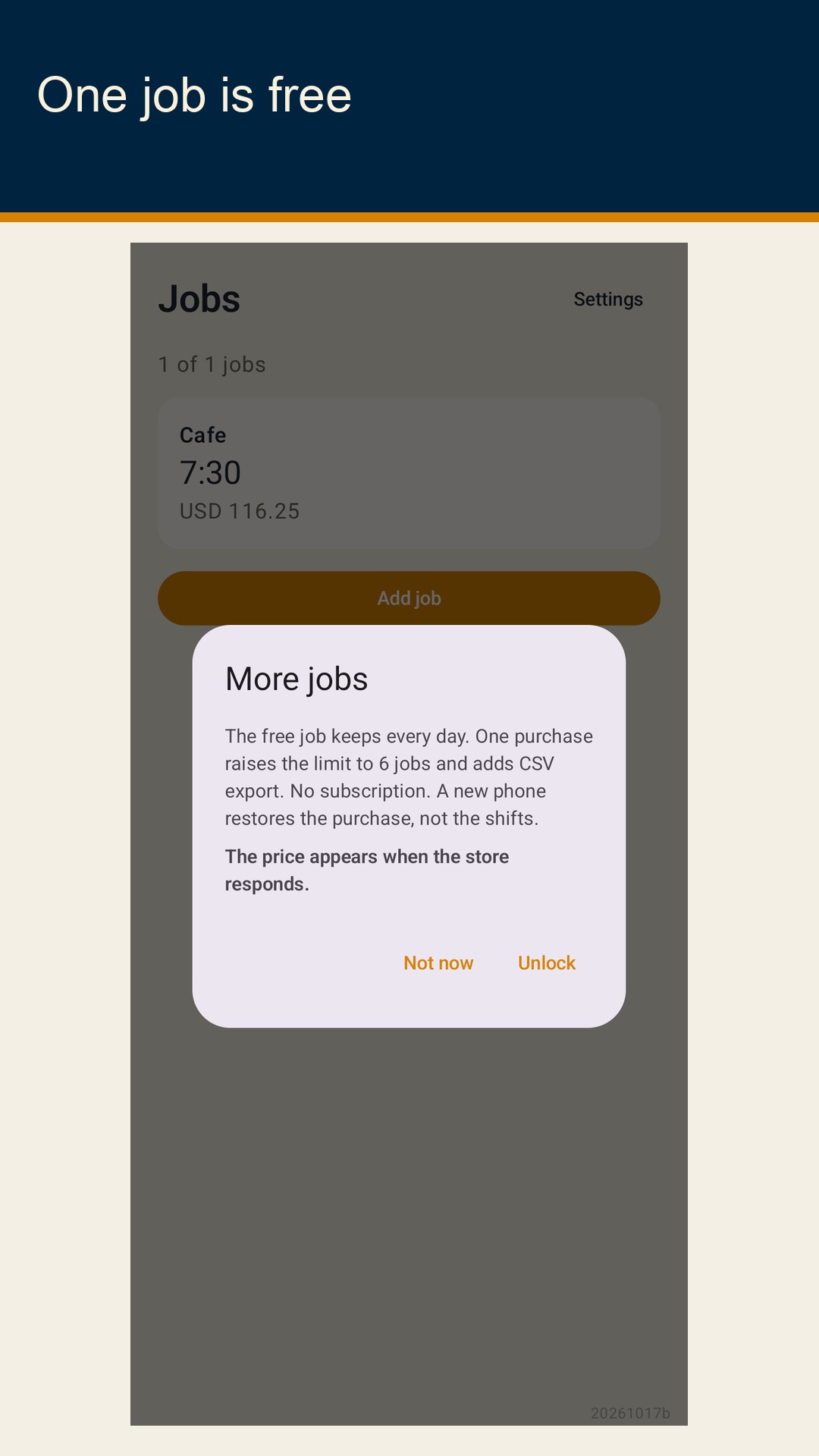
The week Weeks start on Monday in the time zone set on this phone. You can open earlier weeks. Finished shifts add up to hours shown as H:MM and a gross amount shown as a currency code plus two decimals, for example USD 116.25. The app multiplies the rate in cents by the net minutes, divides by 60, and drops the remainder. If you change the rate later, older shifts use the new rate.
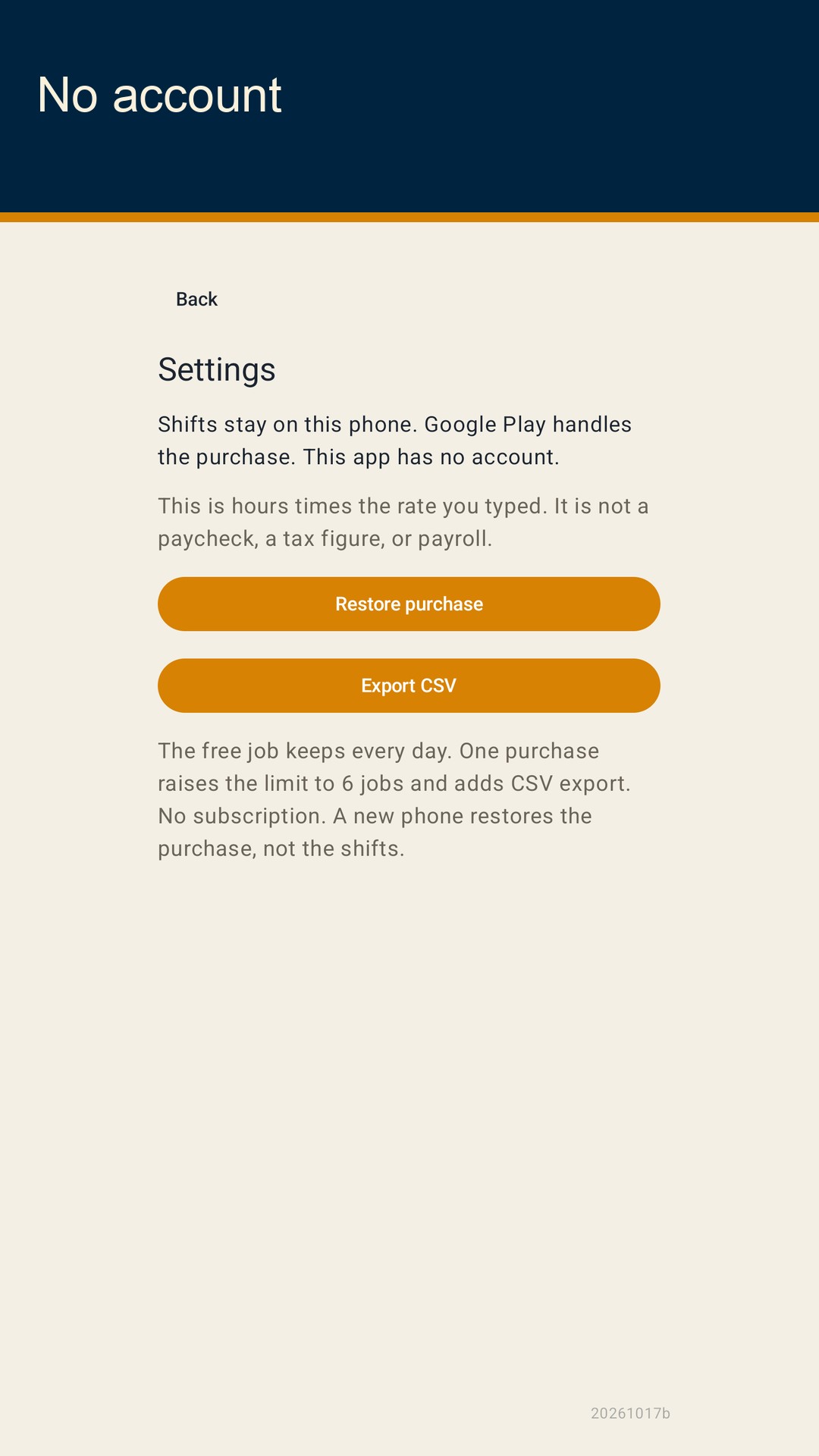
One job is free The free job keeps every past day. There is no account and no day cutoff. A one-time purchase raises the limit from 1 job to 6 and adds CSV export. There is no subscription. The price is whatever Google Play shows when the store responds. A new phone can restore the purchase. It does not restore the shifts, because they never left this phone.