How a session works
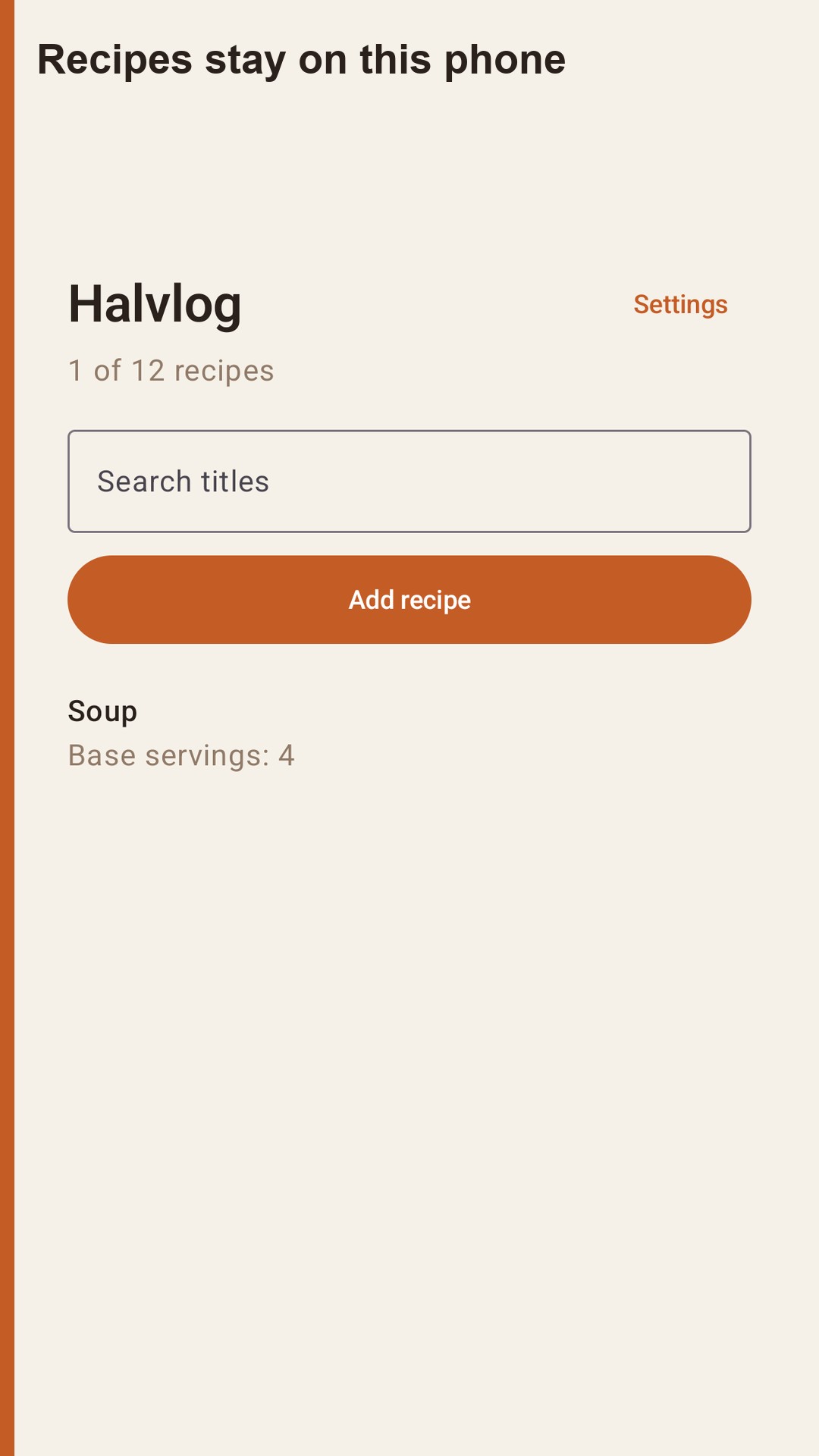
Halvlog is a recipe notebook for the servings in front of you. Save a recipe, then change how many people you are cooking for. Ingredient amounts scale. The steps stay exactly as you wrote them.
What you can do Save a title, a base number of servings, ingredient lines, and steps. Amounts can be whole numbers, decimals, or fractions such as 1/2, 1 1/2, or 1-1/2. Set the servings anywhere from 1 to 99. Only the ingredient amounts change. Units stay as you typed them: a cup is not converted into grams, and a teaspoon is not converted into milliliters.
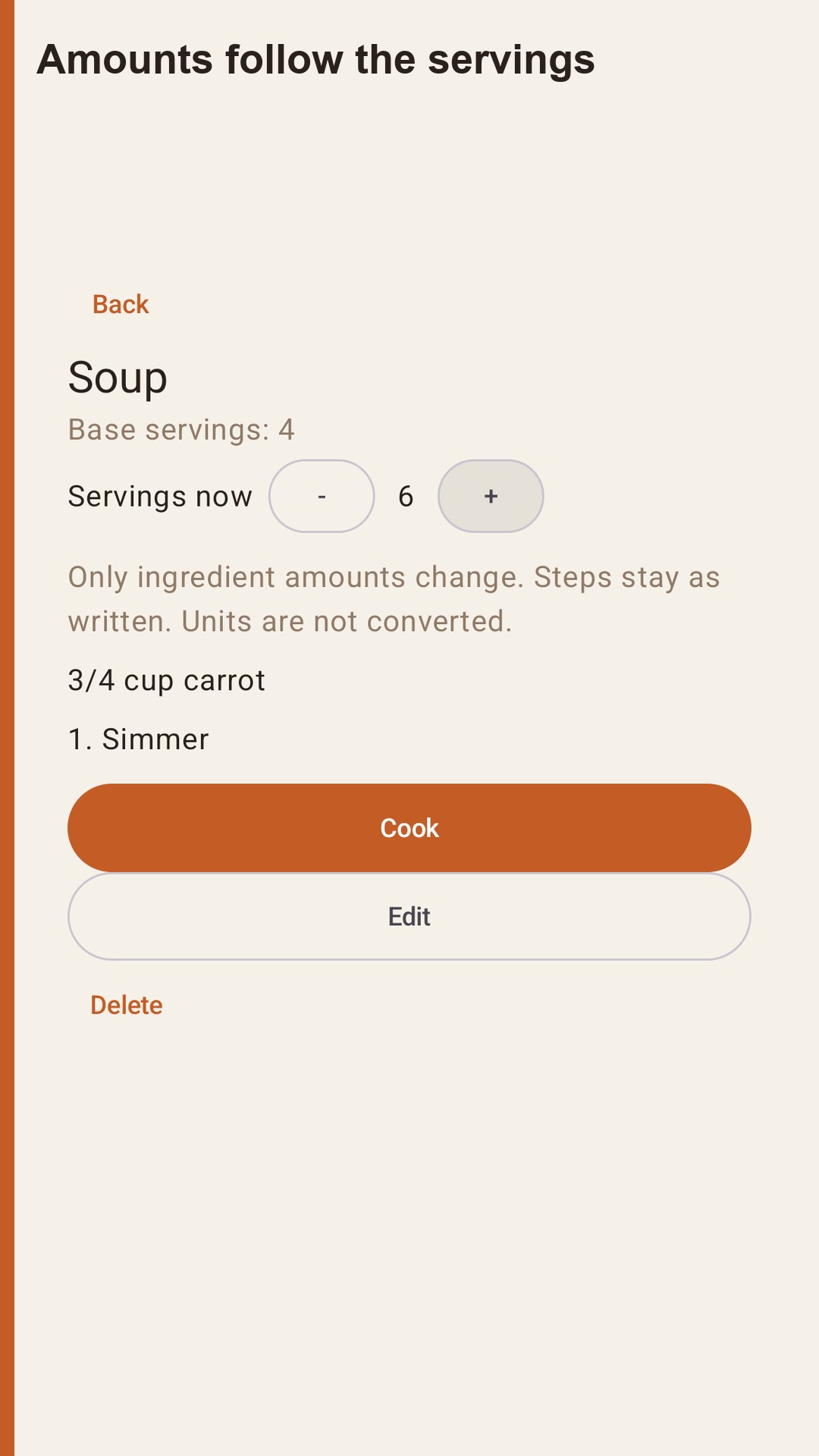
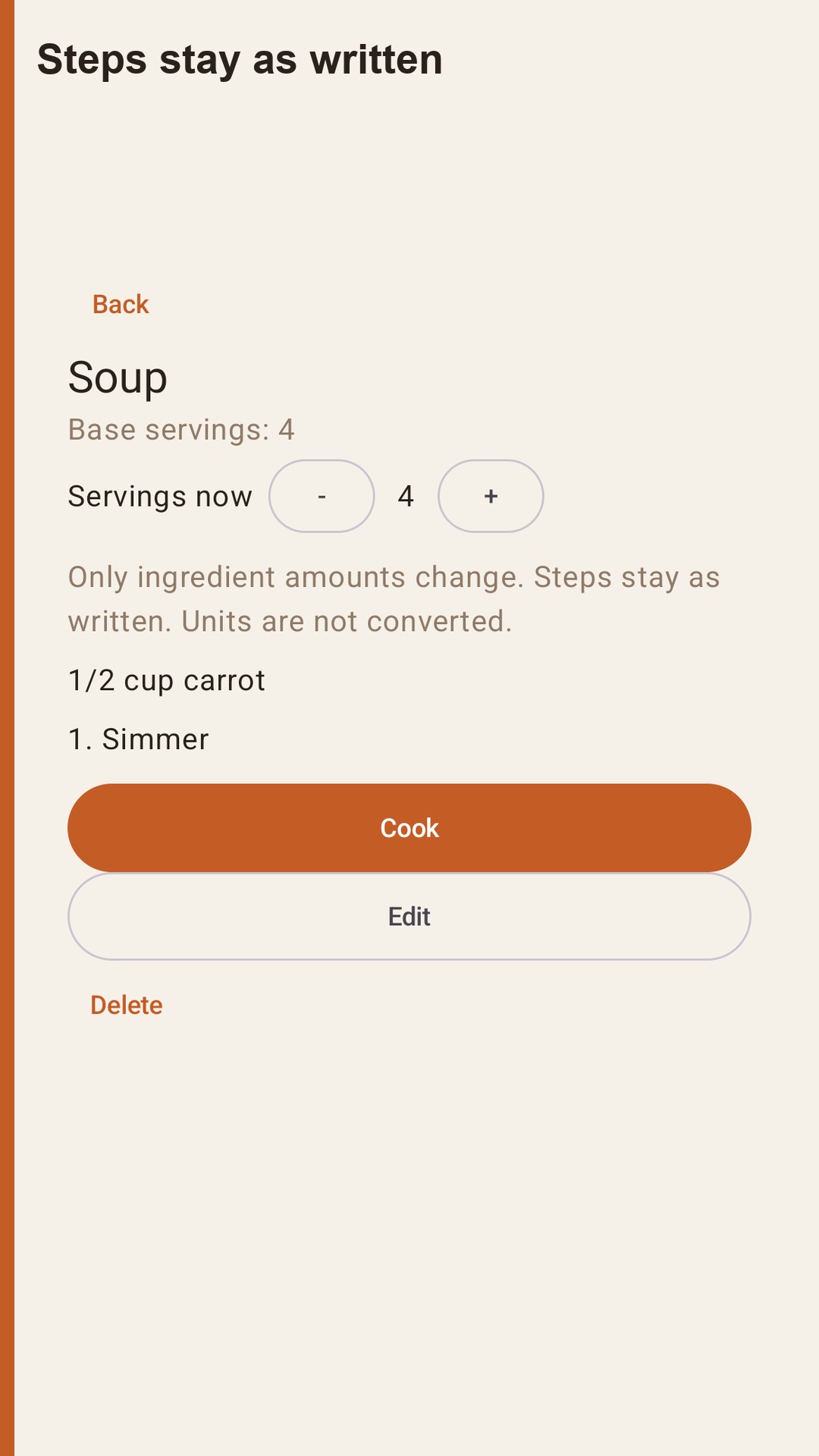
A soup written for 4 that uses 1/2 cup of carrot shows 3/4 cup when you set the servings to 6. The step text does not change. Leaving the recipe puts the serving count back to the base. The temporary number is not written over the saved amount.
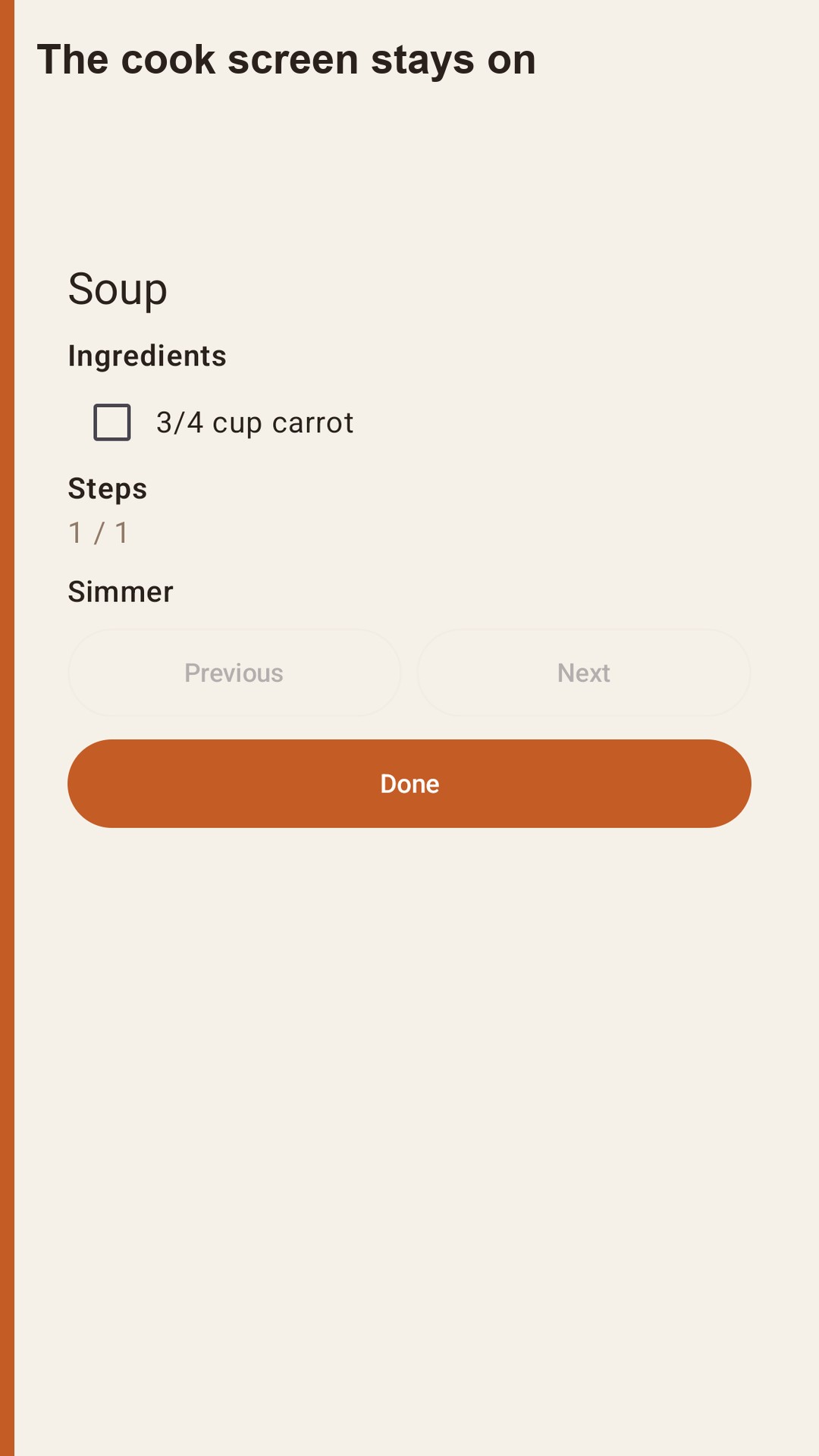
Cook screen Open the cook screen when you start. The display stays on. You can check ingredients as you go. Those checks disappear when you leave the screen. They are not saved.