How a session works
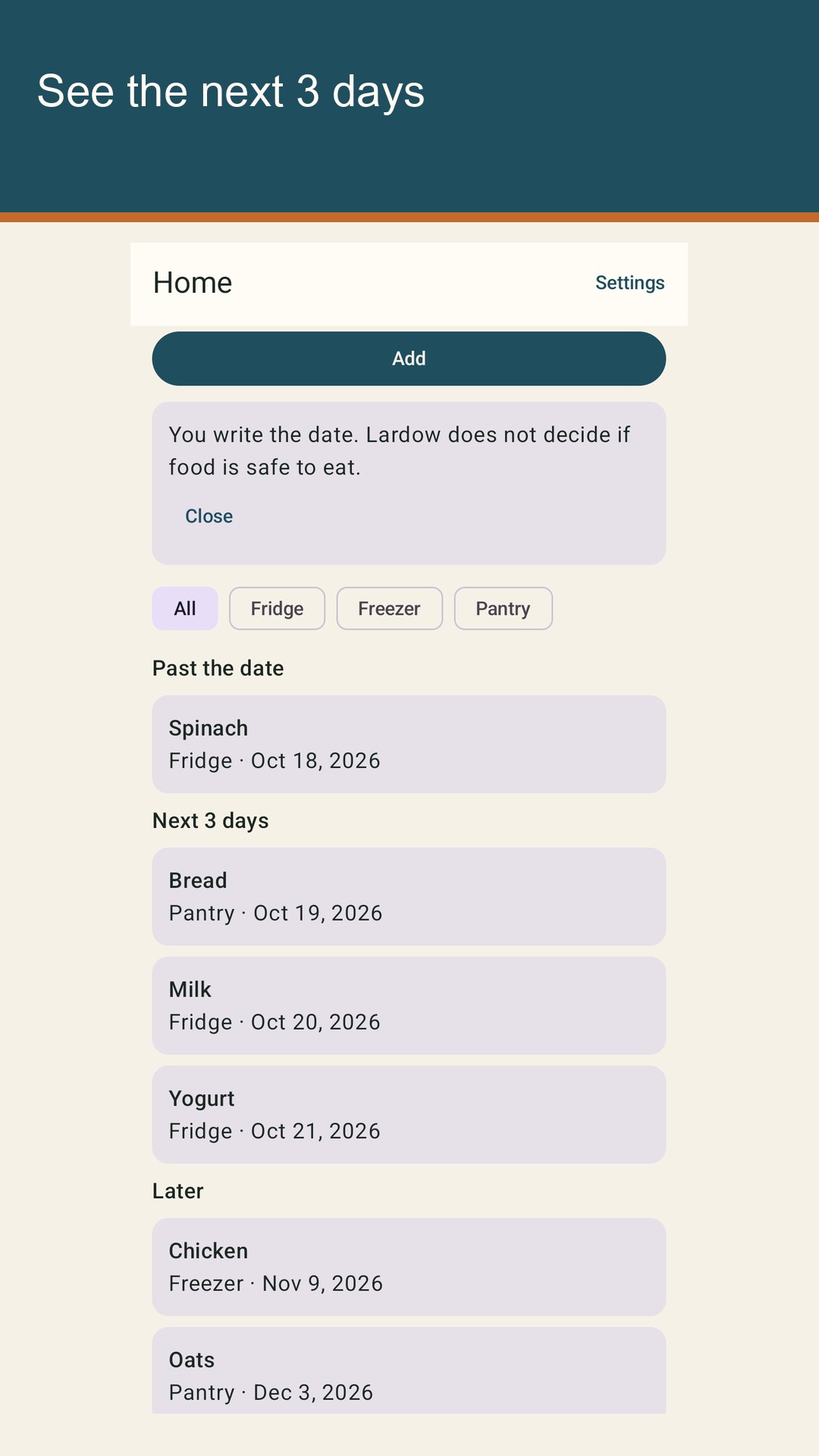
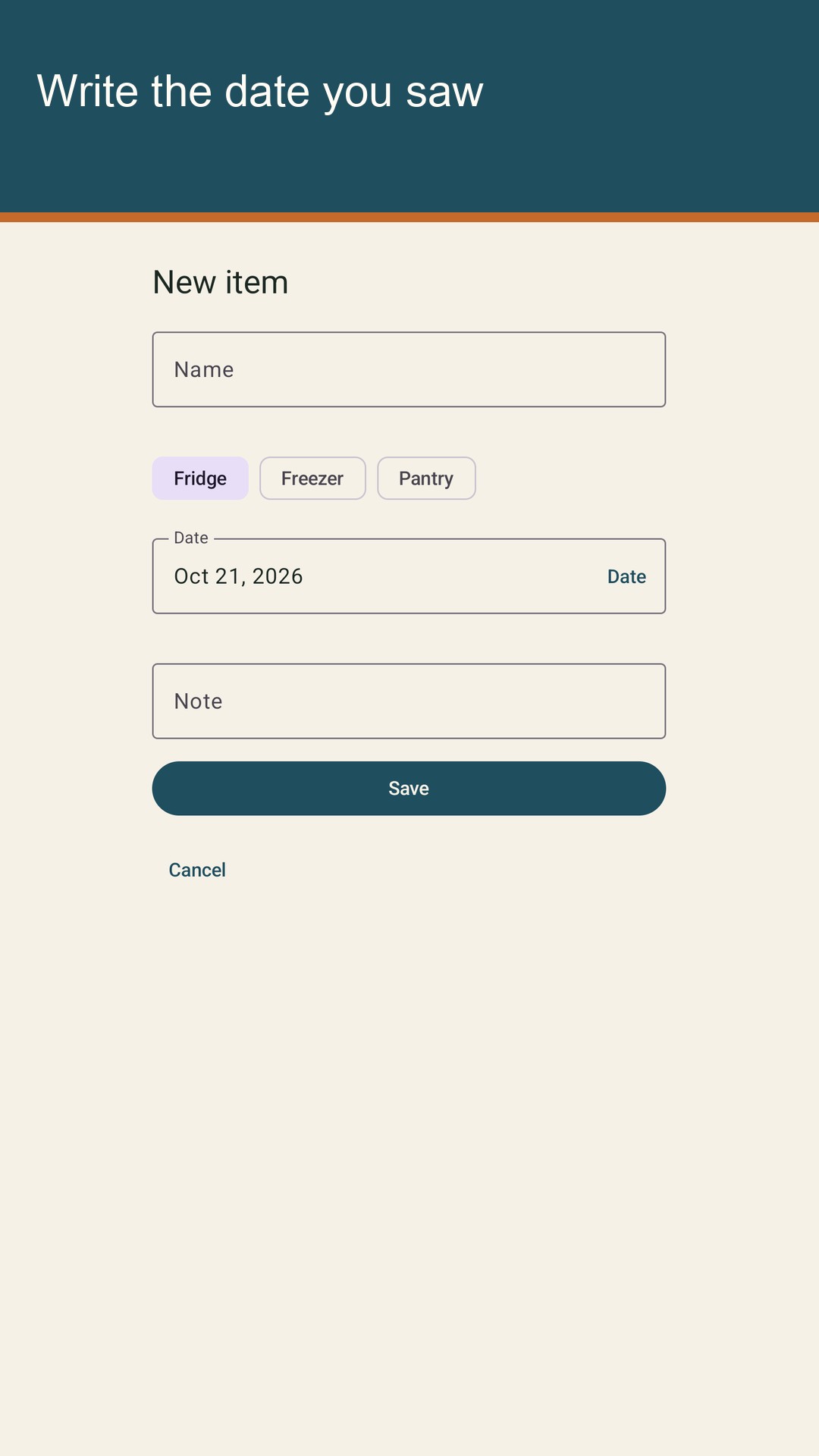
Lardow is a food expiry list. You type a name and the date you saw. The list stays on this phone. Lardow groups that date into past the date, the next 3 days, or later. The next 3 days means today, tomorrow, and the day after tomorrow. Later means any date after those three days. Past the date means the date you typed is already behind the date on the phone. Lardow does not decide whether the food is safe to eat. It shows the date you entered, in the group that date falls into.
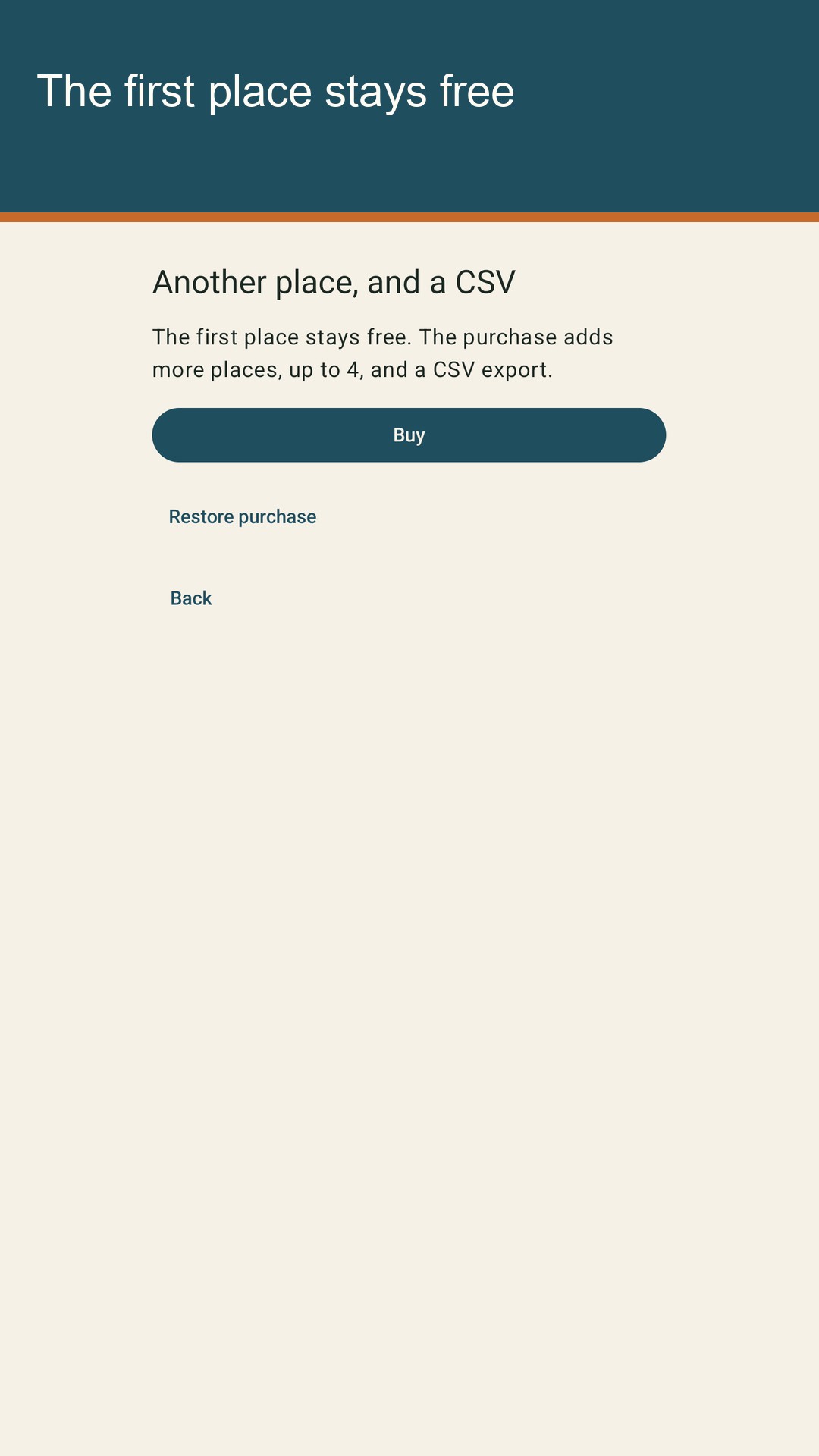
One place is free, and it stays free if you never buy. Each item in that place can be fridge, freezer, or pantry. You choose the zone for the item. The list can be filtered by zone, so you can see the fridge, the freezer, or the pantry on its own. Clear the filter and the whole place is on screen again. The free place includes the zones, the filter, and the date groups.
The first launch shows example items dated from the phone's date. Spinach is yesterday, in the fridge, so it sits past the date. Bread is today, in the pantry. Milk is tomorrow, in the fridge. Yogurt is the day after tomorrow, in the fridge. Bread, milk, and yogurt sit in the next 3 days. Chicken is about three weeks out, in the freezer. Oats are further out than the chicken, in the pantry. Chicken and oats sit in later. The examples make those groups visible before you add your own rows. Remove examples deletes only examples. Items you added stay. Editing an example keeps it an example: a new name, date, zone, or note does not turn it into an item you created. An example leaves the list when you delete that row, or when you use Remove examples.
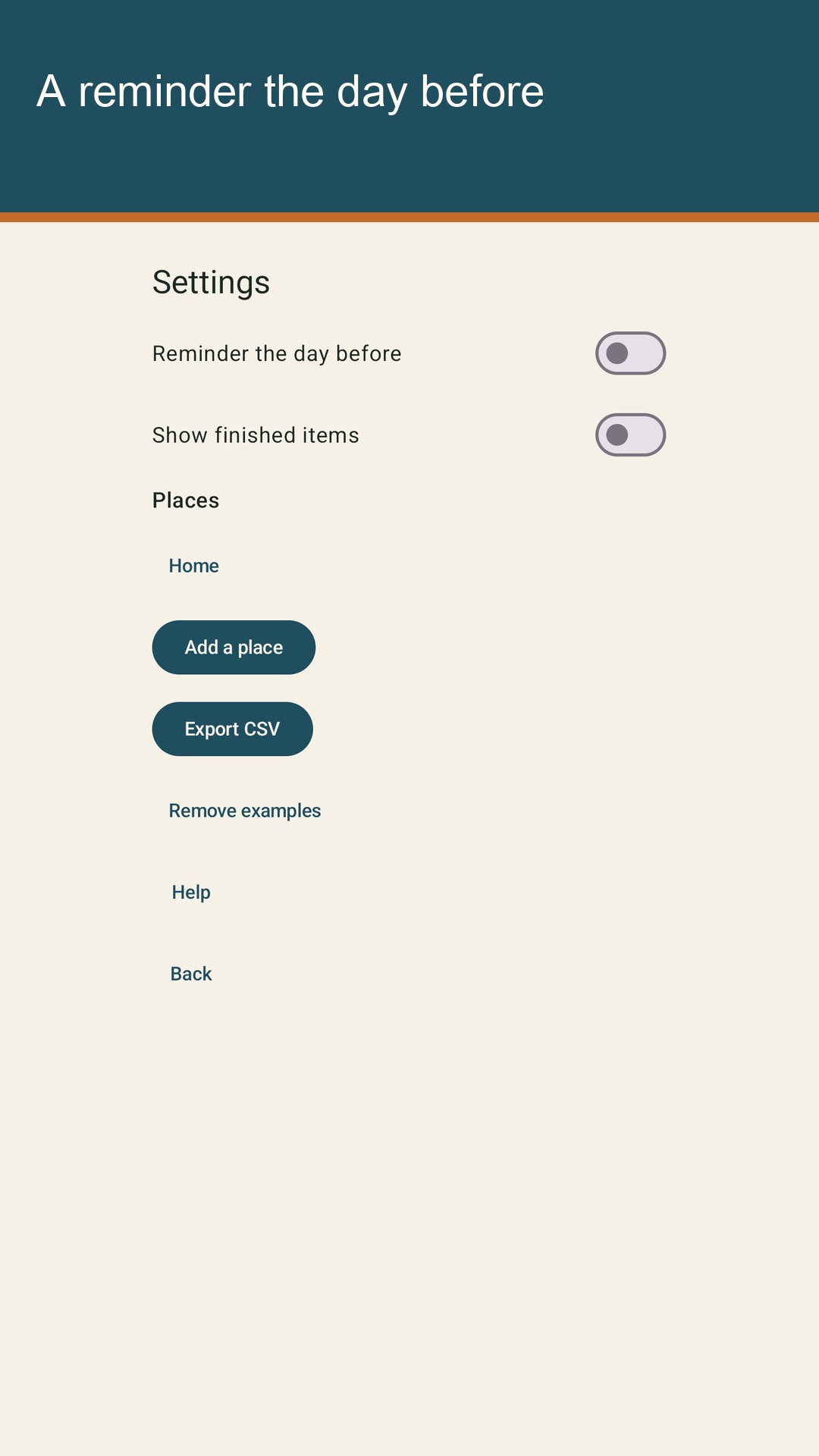
A reminder is optional, and it is included in the free list. When it is on, Lardow can notify you at 09:00 local time the day before the date you wrote. The notification names up to three items. Notification permission may be requested. If you decline, the list is still usable: you can type names and dates, filter by zone, mark items finished, and delete rows. Lardow does not ask for an exact-alarm permission.