
Today
The home screen lists chores that are overdue or due today. A paused chore stays off that list. Counts show how many are overdue, how many are due today, and how many you marked done in the last seven days, including today.
House & Home
See which chore is due. Mark it done. The days start again.
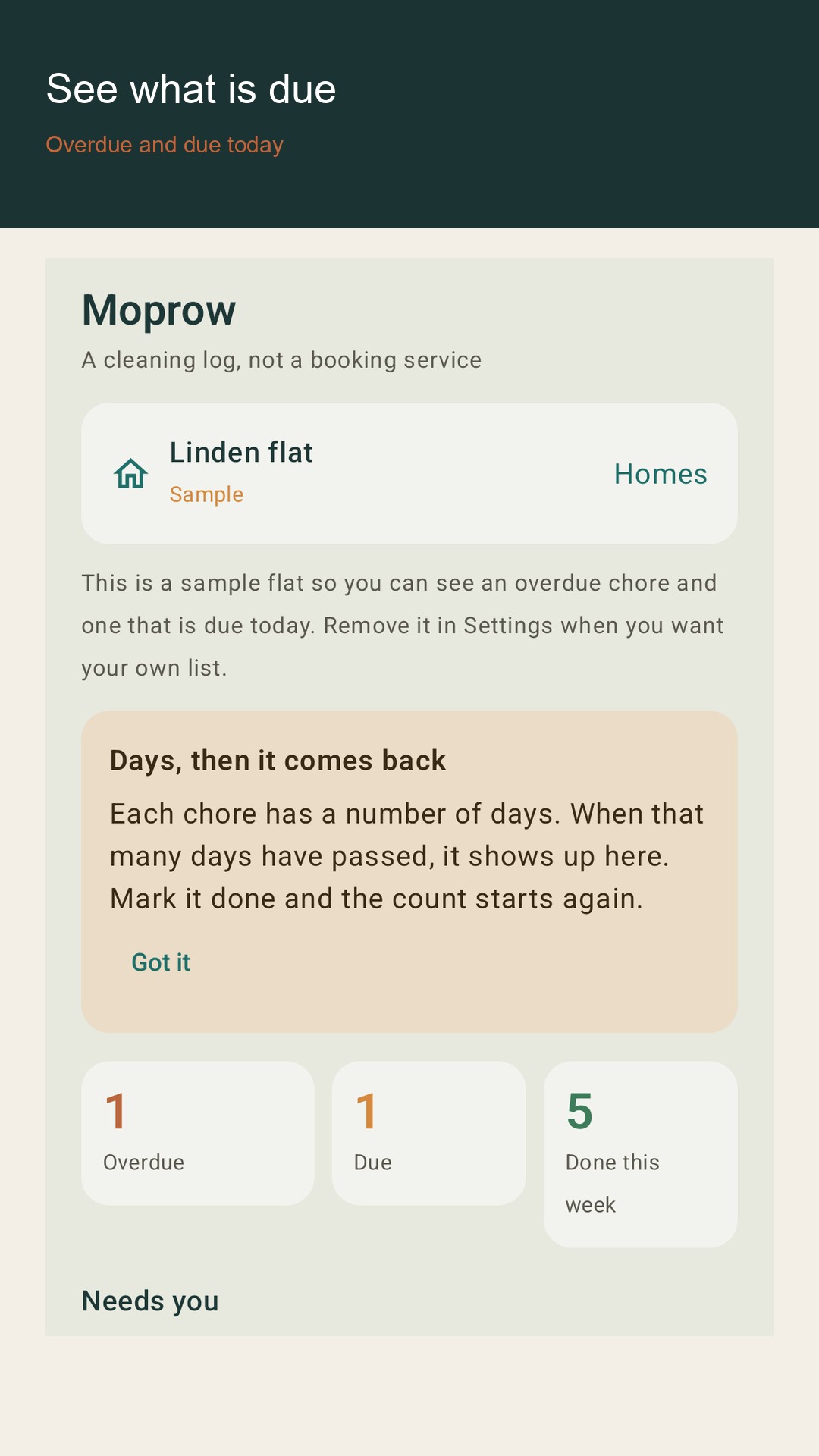
The home screen lists chores that are overdue or due today. A paused chore stays off that list. Counts show how many are overdue, how many are due today, and how many you marked done in the last seven days, including today.
Add a home, then rooms, then chores. Each chore has a name, an interval from 1 to 180 days, and an optional note. You can pause a chore. You can mark it done today, or write an earlier day up to 180 days back. A future day is rejected. The same chore cannot be written twice on the same day.
The log lists completed days, newest first. You can see the whole log or only this week. Deleting a room deletes its chores and their history. Deleting a chore deletes its history.
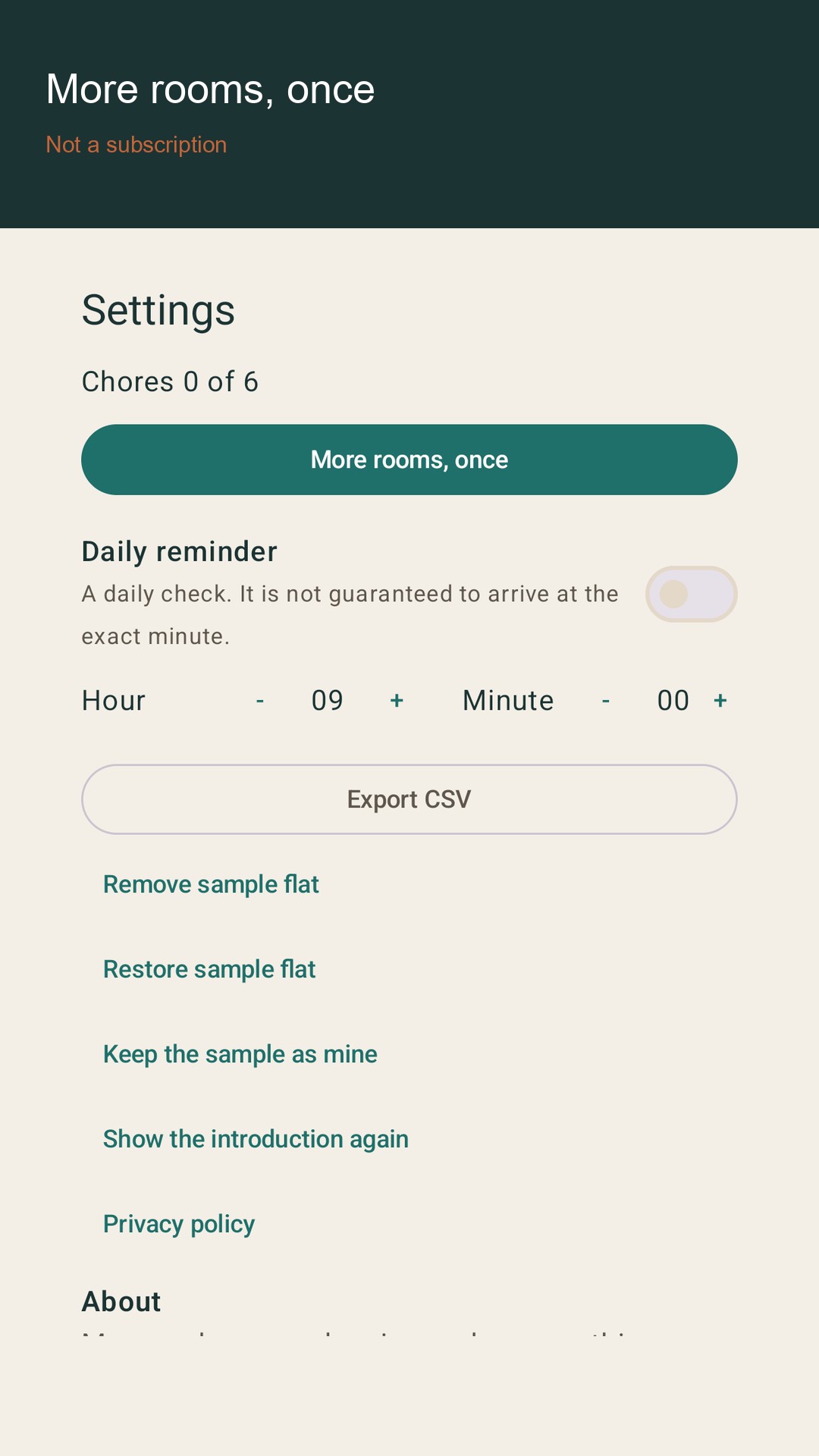
The first launch includes a sample home so you can see an overdue chore and one that is due today before you type your own. The sample does not count toward the free limit. Remove it in Settings. That does not delete homes you created. If you keep the sample as your own list, it then counts as a real home.
A daily reminder checks this phone once a day at the hour and minute you pick. It is a local notification. The exact minute is not guaranteed. If you leave notifications off, the log still works.
Without a purchase you can keep one home you created and six chores you created. History stays. A one-time Google Play product, moprow_more_rooms, raises the limits to four homes and eighty chores and unlocks CSV export. It is not a subscription and it does not renew. Google Play shows the price before you pay. Restore uses the same Google account. The app does not receive your card number.
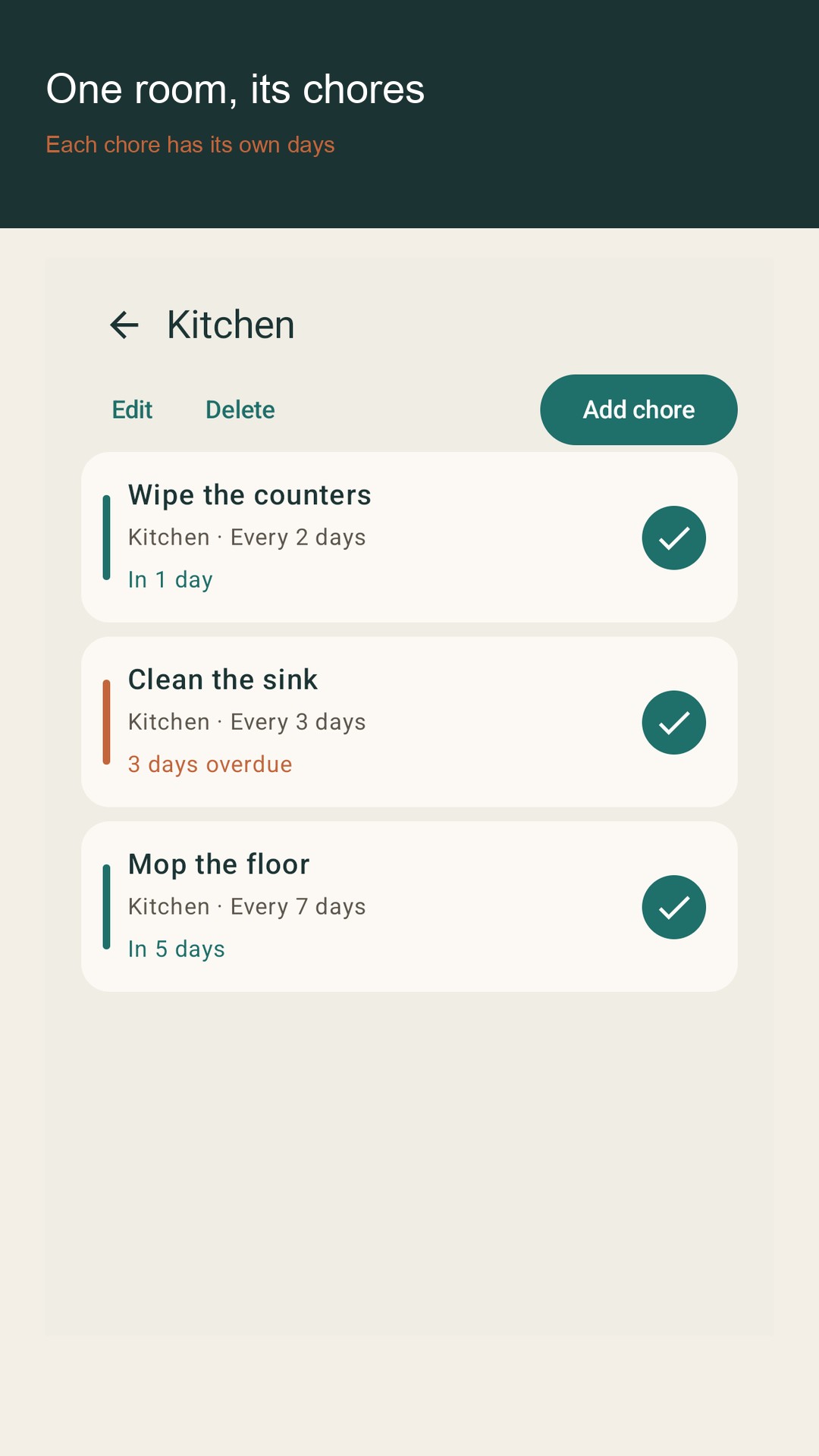
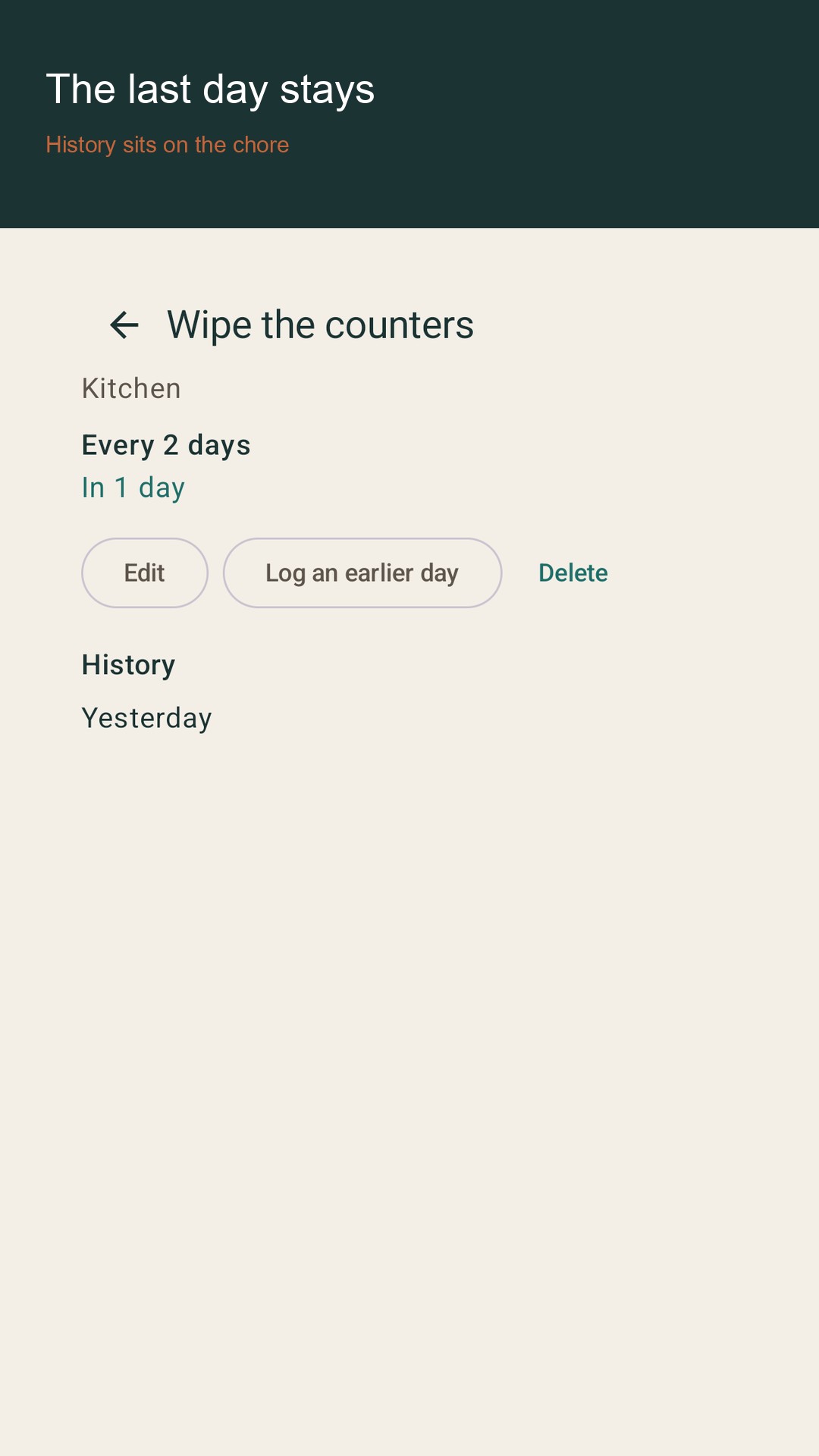
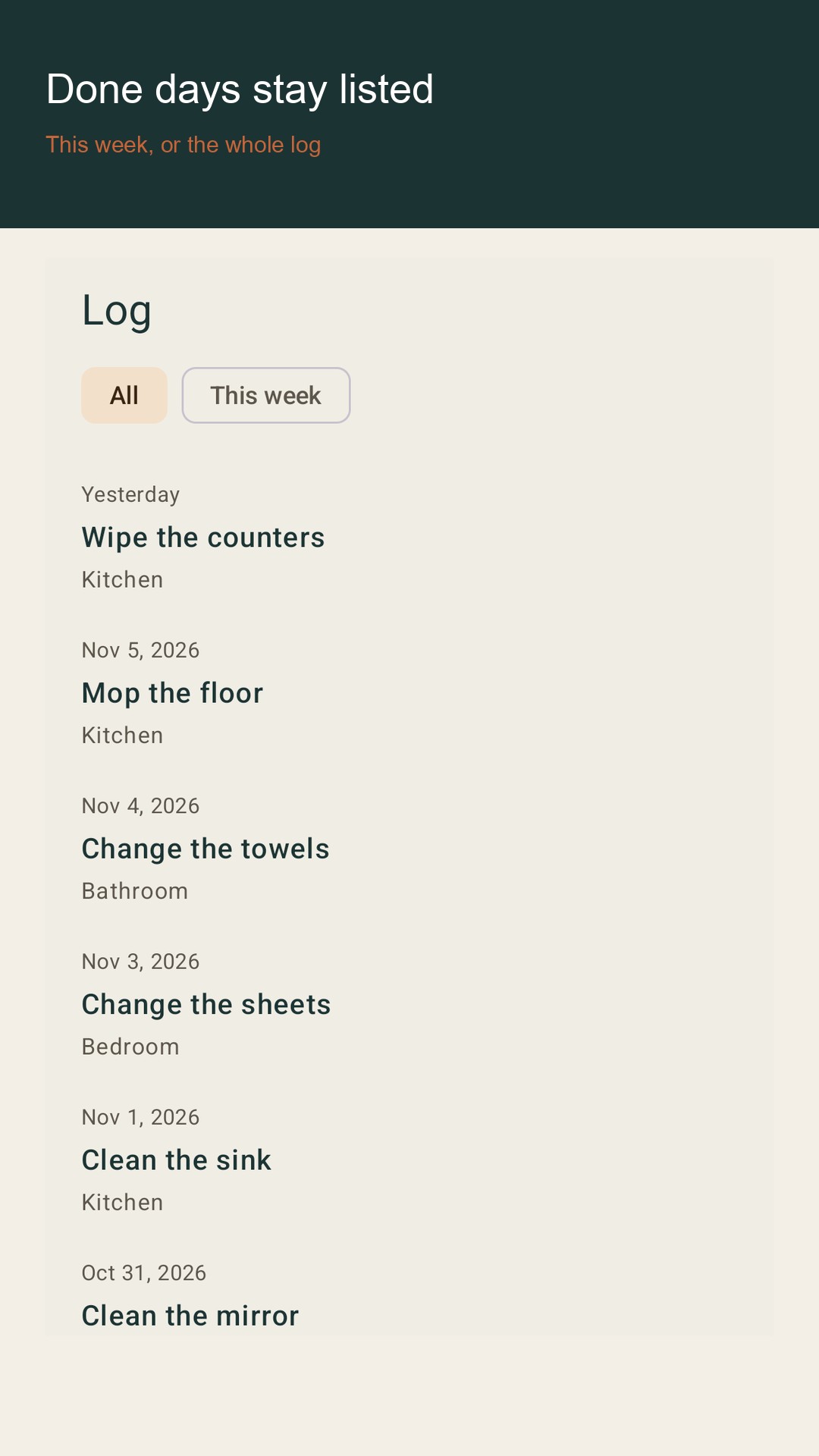
Moprow is a household cleaning log. You give each chore a number of days. When those days have passed, the chore shows up again. Mark it done and the count starts over. It does not book a cleaner and it does not share the plan.
Today The home screen lists chores that are overdue or due today. A paused chore stays off that list. Counts show how many are overdue, how many are due today, and how many you marked done in the last seven days, including today.
Rooms and chores Add a home, then rooms, then chores. Each chore has a name, an interval from 1 to 180 days, and an optional note. You can pause a chore. You can mark it done today, or write an earlier day up to 180 days back. A future day is rejected. The same chore cannot be written twice on the same day.
History The log lists completed days, newest first. You can see the whole log or only this week. Deleting a room deletes its chores and their history. Deleting a chore deletes its history.
No. Homes, rooms, and chores stay in a private file on this phone. There is no sign-in.
No. It records chores you do yourself. It does not hire anyone or share the plan.
One home you created and six chores you created. History and the daily reminder are included. The sample home does not count toward that limit.
moprow_more_rooms raises the limit to four homes and eighty chores and unlocks CSV export. It is not a subscription. Google Play shows the price.
 Lifestyle
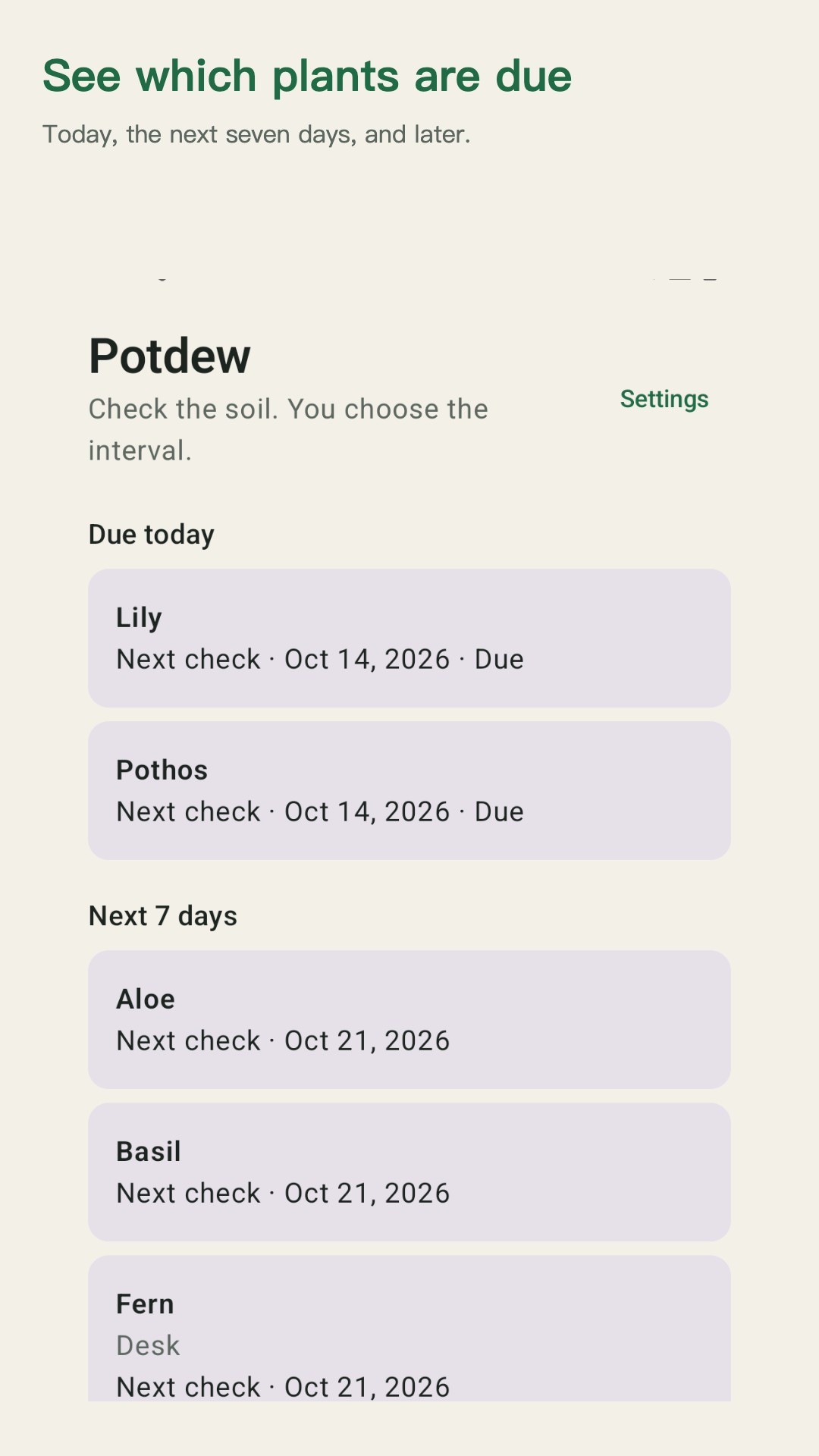
Log plant checks on this phone. You set the interval.
 Food & Drink
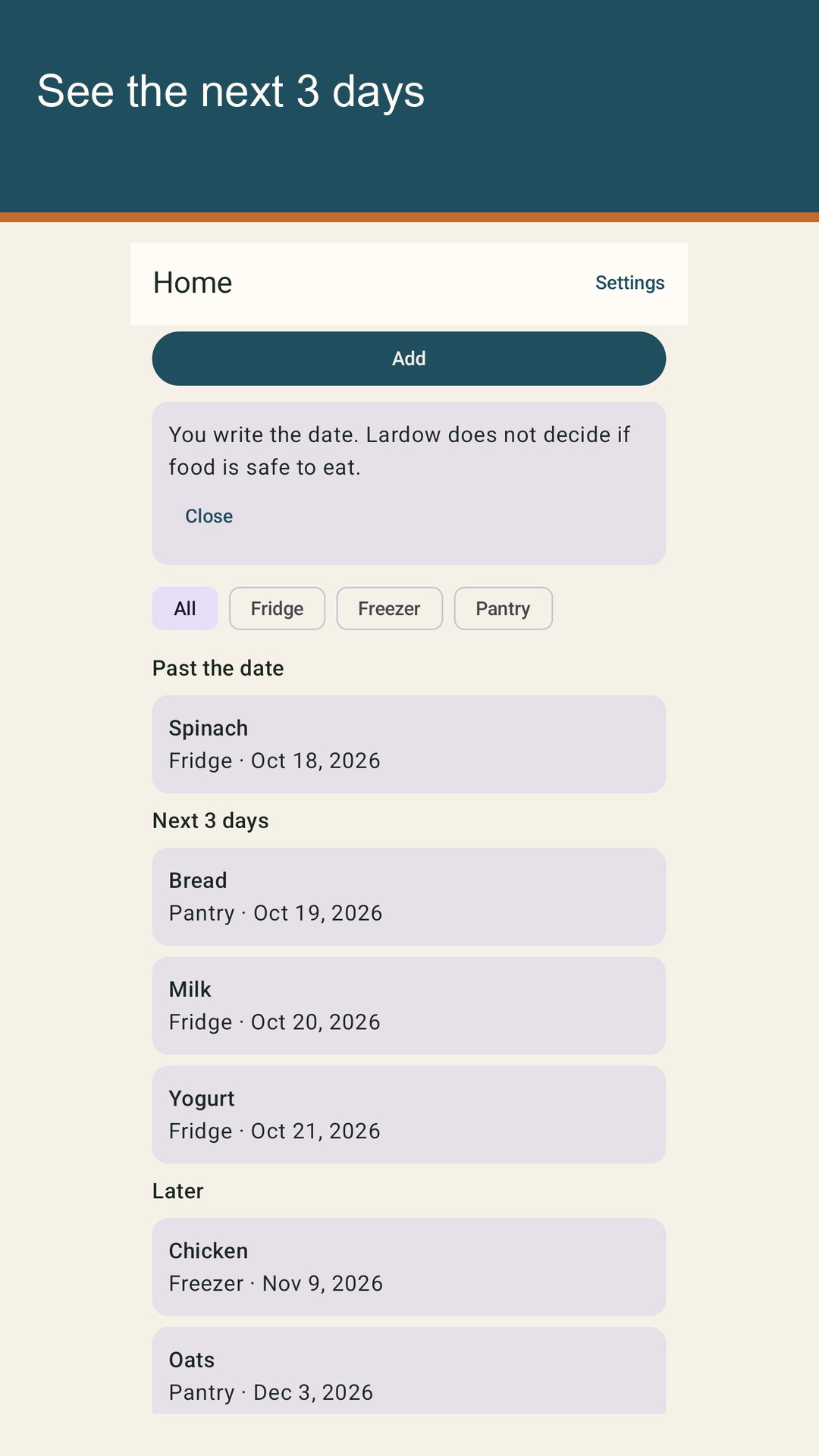
Type the date you saw. See today, tomorrow, and the day after.
 Food & Drink
Scale ingredient amounts when servings change. Steps stay as written.