Tools

Treadrow: Shoe Mileage Log

Manual shoe mileage on this phone. No GPS. One shoe free; unlock for more.

Treadrow: Shoe Mileage Log

What it does

One shoe stays free with unlimited entries and optional reminders. You can turn on a reminder and set a percent of your limit (from 1 to 100, commonly near 90) so the phone notifies you once when you near that threshold, and can notify again when you reach or pass the full limit you set. Each near-limit and at-limit notice is scheduled only once for a given threshold until you change the limit or clear mileage in a way that resets the marker. Notifications are optional; logging still works if you deny permission. You can mark a shoe as retired. Retired shoes keep their history, leave the default home list, and stop getting new reminders. Settings can show retired shoes when you need them.
One shoe stays free with unlimited entries and optional reminders. You can turn on a reminder and set a percent of your limit (from 1 to 100, commonly near 90) so the phone notifies you once when you near that threshold, and can notify again when you reach or pass the full limit you set. Each near-limit and at-limit notice is scheduled only once for a given threshold until you change the limit or clear mileage in a way that resets the marker. Notifications are optional; logging still works if you deny permission. You can mark a shoe as retired. Retired shoes keep their history, leave the default home list, and stop getting new reminders. Settings can show retired shoes when you need them.
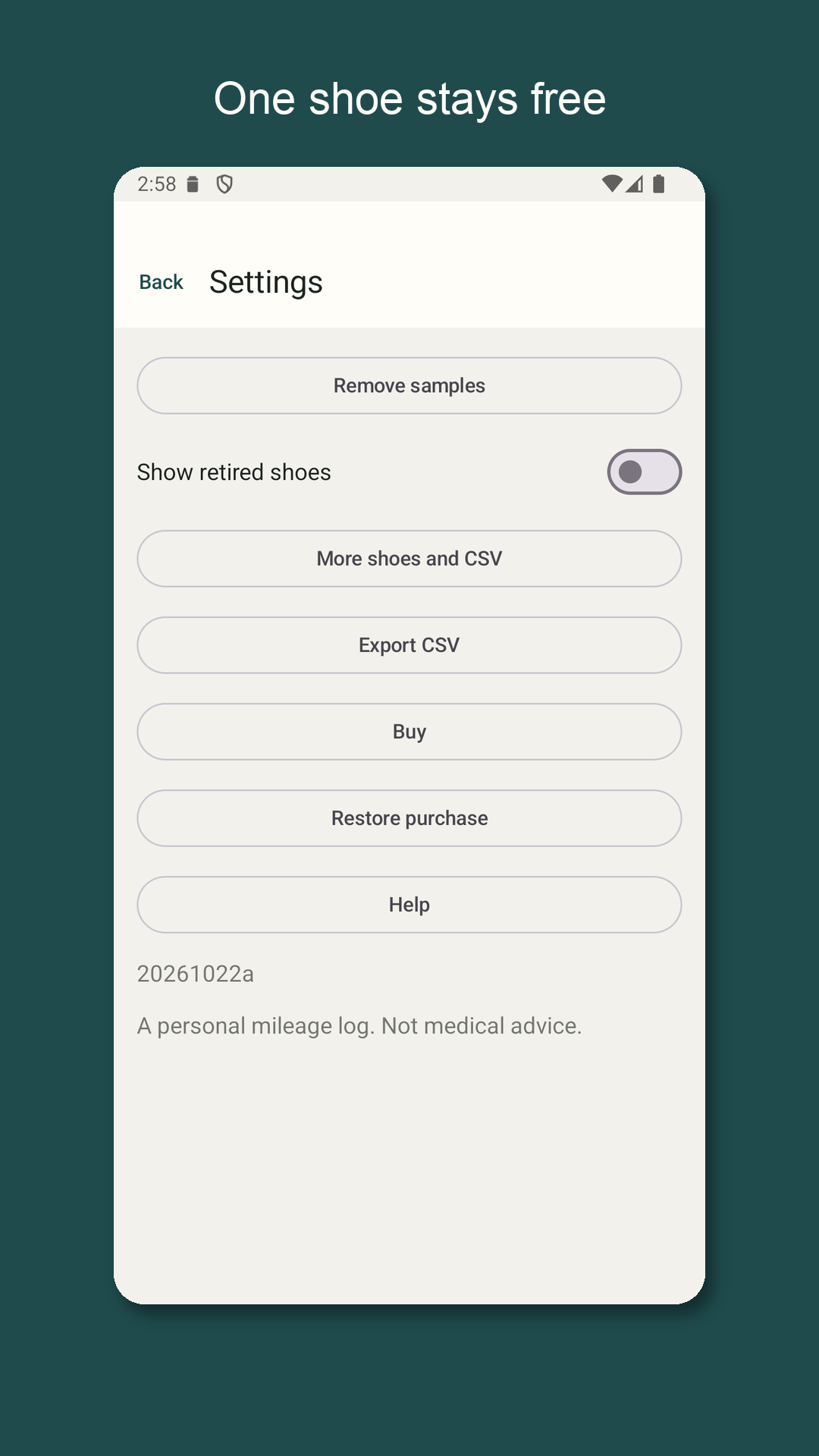
A one-time purchase on Google Play raises the shoe limit from one to eight and unlocks CSV export. There is no subscription and there are no ads. The buy button shows the price Google Play returns for the unlock product. Restore purchase asks Play whether this Google account already owns the unlock. Until you unlock, tapping add for a second shoe opens the unlock explanation instead of a blank form. Deleted shoes free a slot. CSV export uses the system share sheet and English column headers: shoe_name, brand, unit, limit, entry_time_iso, distance, note, retired.

A one-time purchase on Google Play raises the shoe limit from one to eight and unlocks CSV export. There is no subscription and there are no ads. The buy button shows the price Google Play returns for the unlock product. Restore purchase asks Play whether this Google account already owns the unlock. Until you unlock, tapping add for a second shoe opens the unlock explanation instead of a blank form. Deleted shoes free a slot. CSV export uses the system share sheet and English column headers: shoe_name, brand, unit, limit, entry_time_iso, distance, note, retired.

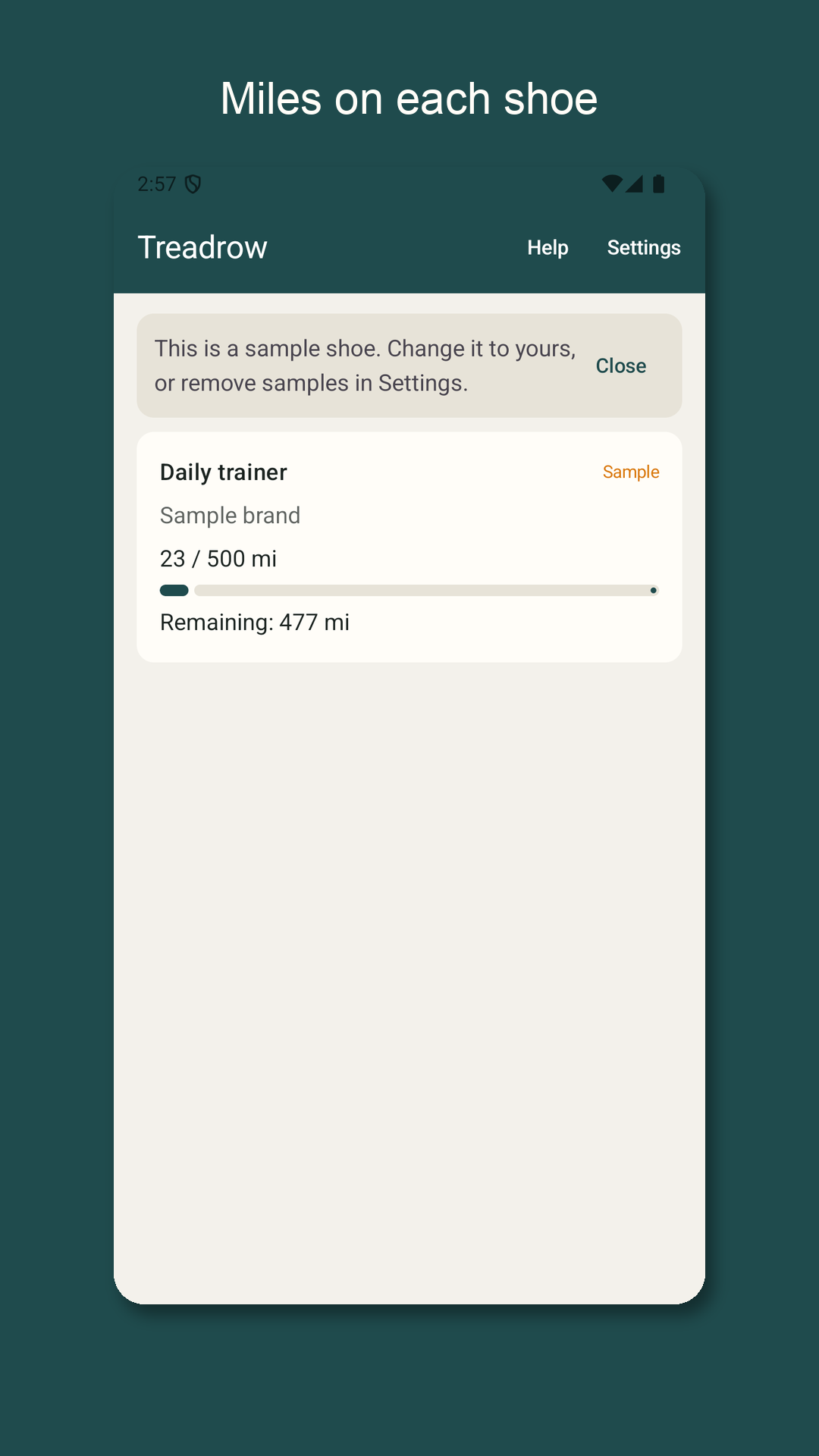
The first launch includes one sample shoe and a few sample entries so you can see totals and progress before you type your own numbers. A banner explains that the sample can become yours. Editing a sample makes that row yours. Remove samples in Settings deletes only rows that are still marked as samples. After you delete everything, the empty state lets you add a shoe again; without the unlock you can keep one shoe.

The first launch includes one sample shoe and a few sample entries so you can see totals and progress before you type your own numbers. A banner explains that the sample can become yours. Editing a sample makes that row yours. Remove samples in Settings deletes only rows that are still marked as samples. After you delete everything, the empty state lets you add a shoe again; without the unlock you can keep one shoe.

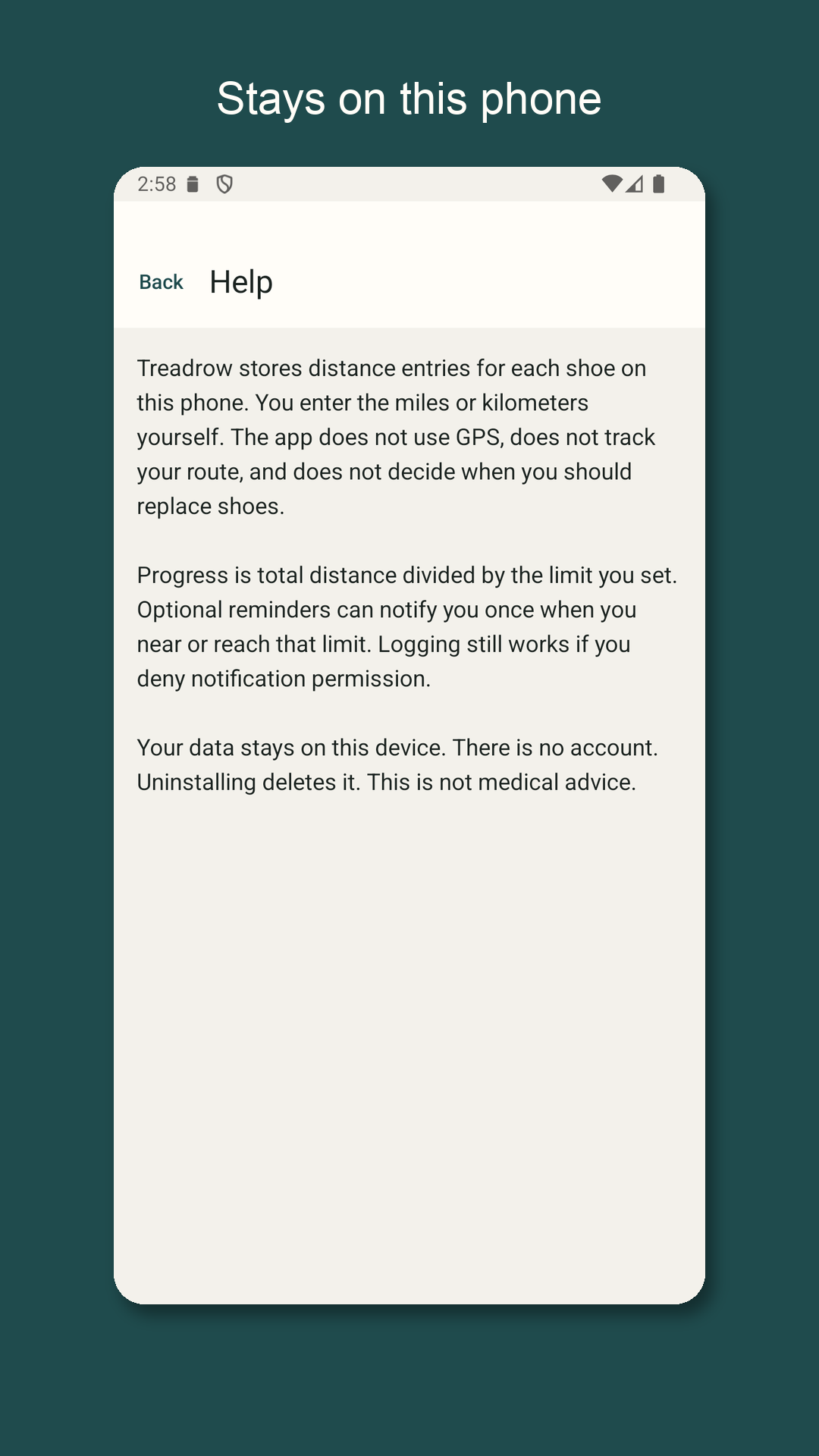
Names and brand labels can be up to 40 characters. Notes can be up to 120 characters. A distance entry must be greater than zero and at most 999.99 with up to two decimals. A distance limit must be from 1 to 9999. Progress is total distance divided by the limit you set, capped at full. Remaining distance is never shown below zero.

Names and brand labels can be up to 40 characters. Notes can be up to 120 characters. A distance entry must be greater than zero and at most 999.99 with up to two decimals. A distance limit must be from 1 to 9999. Progress is total distance divided by the limit you set, capped at full. Remaining distance is never shown below zero.

Treadrow does not read contacts, photos, or location. It does not connect to Health apps or running networks. Internet is used by Google Play Billing when you buy or restore. There is no account and no cloud sync. The file stays on this phone, Android backup for this app data is off, and uninstalling deletes it. Package name: com.hpiapp.shoelog.treadrow.

Treadrow does not read contacts, photos, or location. It does not connect to Health apps or running networks. Internet is used by Google Play Billing when you buy or restore. There is no account and no cloud sync. The file stays on this phone, Android backup for this app data is off, and uninstalling deletes it. Package name: com.hpiapp.shoelog.treadrow.

This is a personal mileage log from numbers you type. It is not medical advice, not injury guidance, and it does not tell you when to replace shoes.

This is a personal mileage log from numbers you type. It is not medical advice, not injury guidance, and it does not tell you when to replace shoes.

From the running app

Treadrow: Shoe Mileage Log — 1 Treadrow: Shoe Mileage Log — 2 Treadrow: Shoe Mileage Log — 3 Treadrow: Shoe Mileage Log — 4 Treadrow: Shoe Mileage Log — 5

How a session works

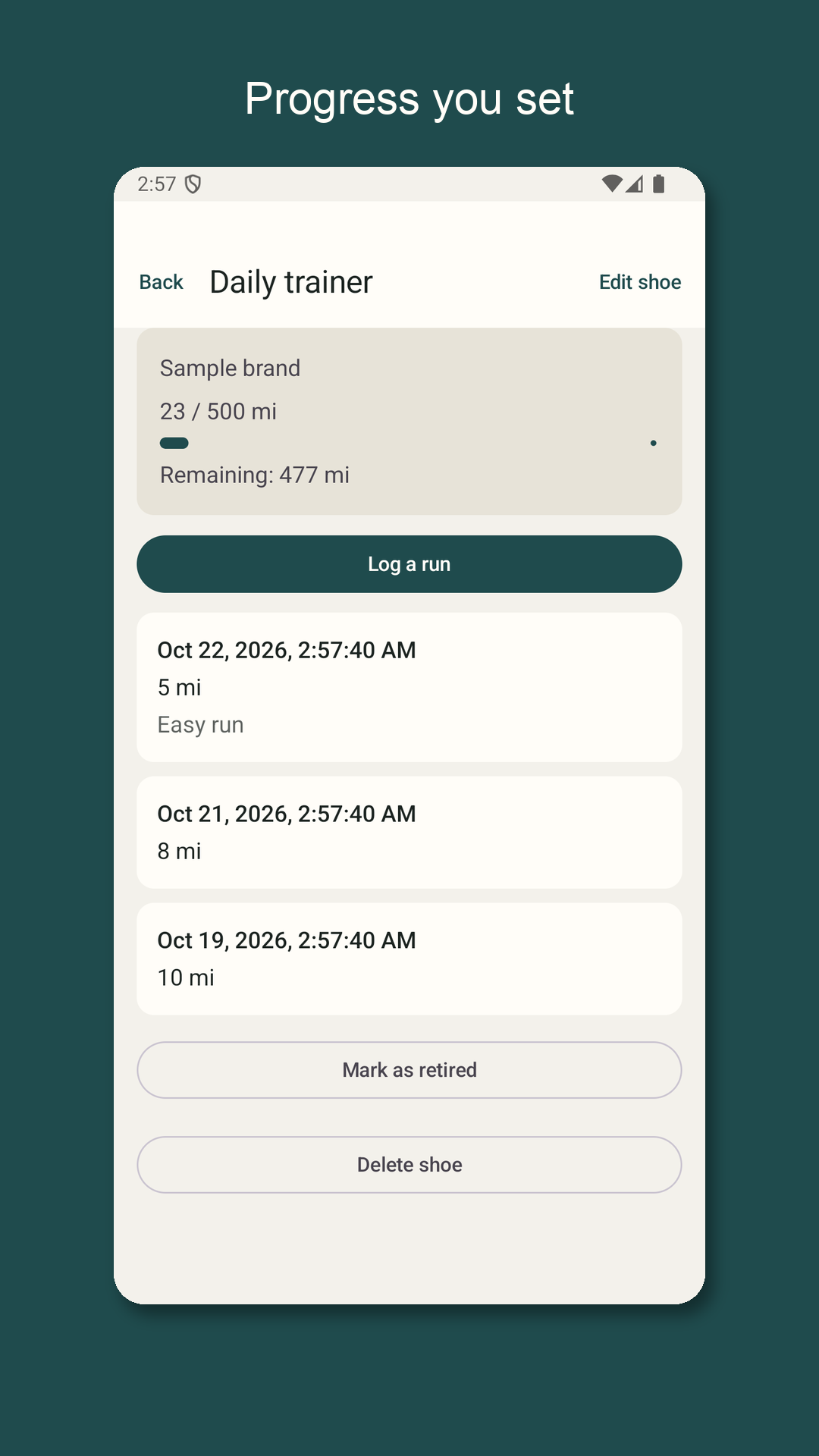
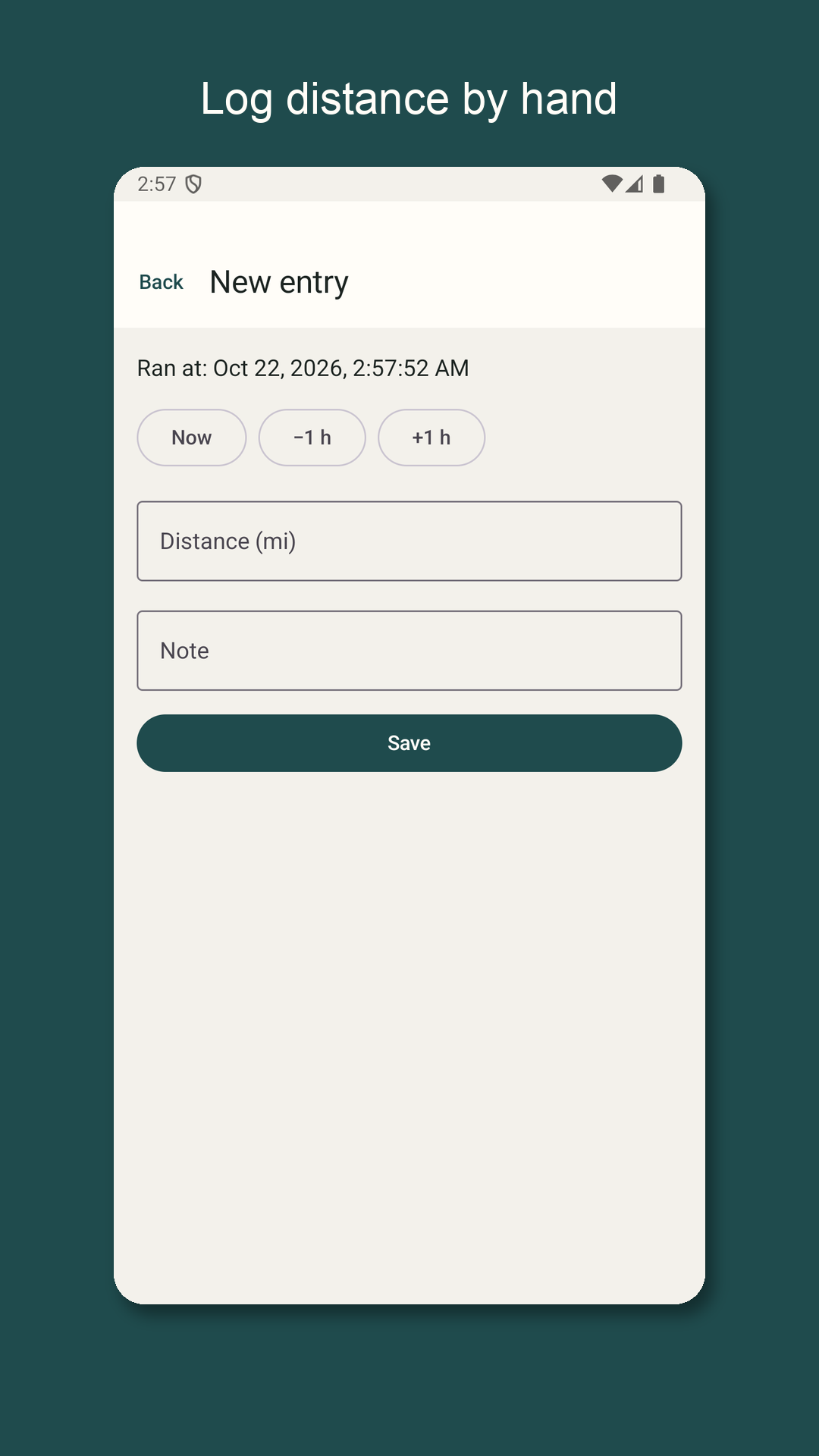
Treadrow keeps a shoe mileage log on this Android phone. You add a shoe with a name, an optional brand, a distance limit you choose, and a unit of kilometers or miles. Each time you run or walk, you type the distance yourself and save an entry with an optional note and a time that defaults to now. The app adds those entries into a total for that shoe, shows a progress bar against your limit, and shows how much distance remains. Every entry on a shoe uses that shoe's unit; you do not mix kilometers and miles on the same shoe. Treadrow does not use GPS, does not track a route, does not measure pace or heart rate, and does not decide when you should replace shoes.

One shoe stays free with unlimited entries and optional reminders. You can turn on a reminder and set a percent of your limit (from 1 to 100, commonly near 90) so the phone notifies you once when you near that threshold, and can notify again when you reach or pass the full limit you set. Each near-limit and at-limit notice is scheduled only once for a given threshold until you change the limit or clear mileage in a way that resets the marker. Notifications are optional; logging still works if you deny permission. You can mark a shoe as retired. Retired shoes keep their history, leave the default home list, and stop getting new reminders. Settings can show retired shoes when you need them.
A one-time purchase on Google Play raises the shoe limit from one to eight and unlocks CSV export. There is no subscription and there are no ads. The buy button shows the price Google Play returns for the unlock product. Restore purchase asks Play whether this Google account already owns the unlock. Until you unlock, tapping add for a second shoe opens the unlock explanation instead of a blank form. Deleted shoes free a slot. CSV export uses the system share sheet and English column headers: shoe_name, brand, unit, limit, entry_time_iso, distance, note, retired.

The first launch includes one sample shoe and a few sample entries so you can see totals and progress before you type your own numbers. A banner explains that the sample can become yours. Editing a sample makes that row yours. Remove samples in Settings deletes only rows that are still marked as samples. After you delete everything, the empty state lets you add a shoe again; without the unlock you can keep one shoe.

Questions

Apps you can open today